Wrap Studio AI

Phone photo to portfolio piece in seconds

Stop losing jobs because your install photos look like they were taken in a parking lot. Wrap Studio turns any phone photo into professional showcase content, video clips, and ready-to-post social media.

Start free

30-day free trial · No credit card · Cancel anytime

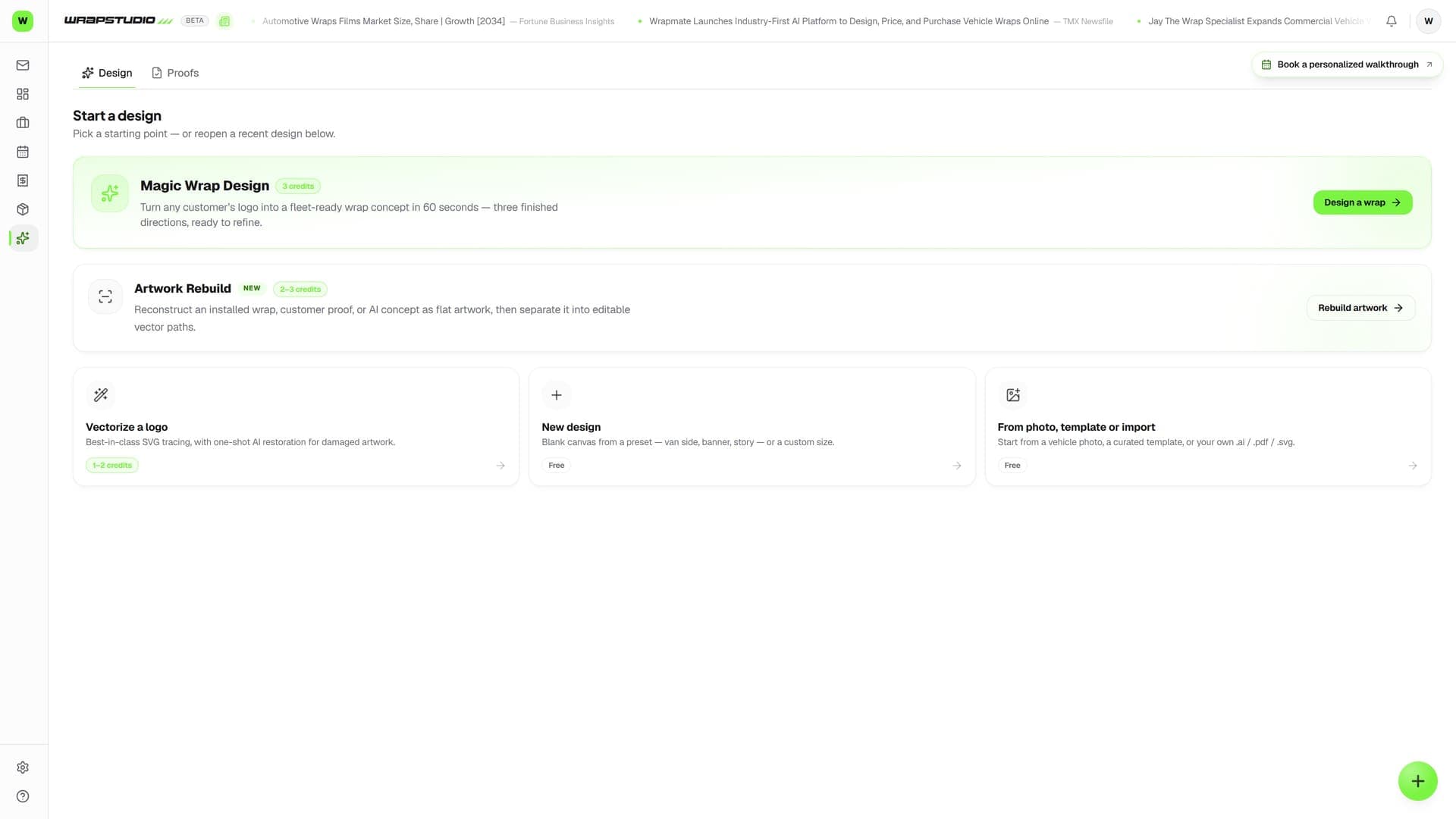
Wraptor Wrap Studio interface showing AI background swap on a vehicle wrap install photo

Live capture — the real screen, not a mockup

The problem

Your work is better than your photos

Most wrap shops do incredible work but post mediocre photos. That's leaving money on the table.

Without Wraptor

  • Phone photos in a cluttered garage
  • Hire a photographer for $200+ per shoot
  • Spend hours in Photoshop for one good image
  • Inconsistent social media presence
  • Customers can't visualize the quality of your work

With Wraptor

  • Professional showcase images from any phone photo
  • Six backdrops, instant generation, zero cost per image
  • Before/after reveals auto-generated
  • Video clips and social posts ready in seconds
  • Consistent, professional portfolio that sells for you

Try it

This is the real thing. Click it.

Live demo — click it
JOB-0042
Wraptor — Fleet ProMaster
v2
Approved
Proof sheet — Wraptor — Fleet ProMaster

Approved by customer — one tap, logged on the job. Files released to production.

See it in action

Real screens, not mockups.

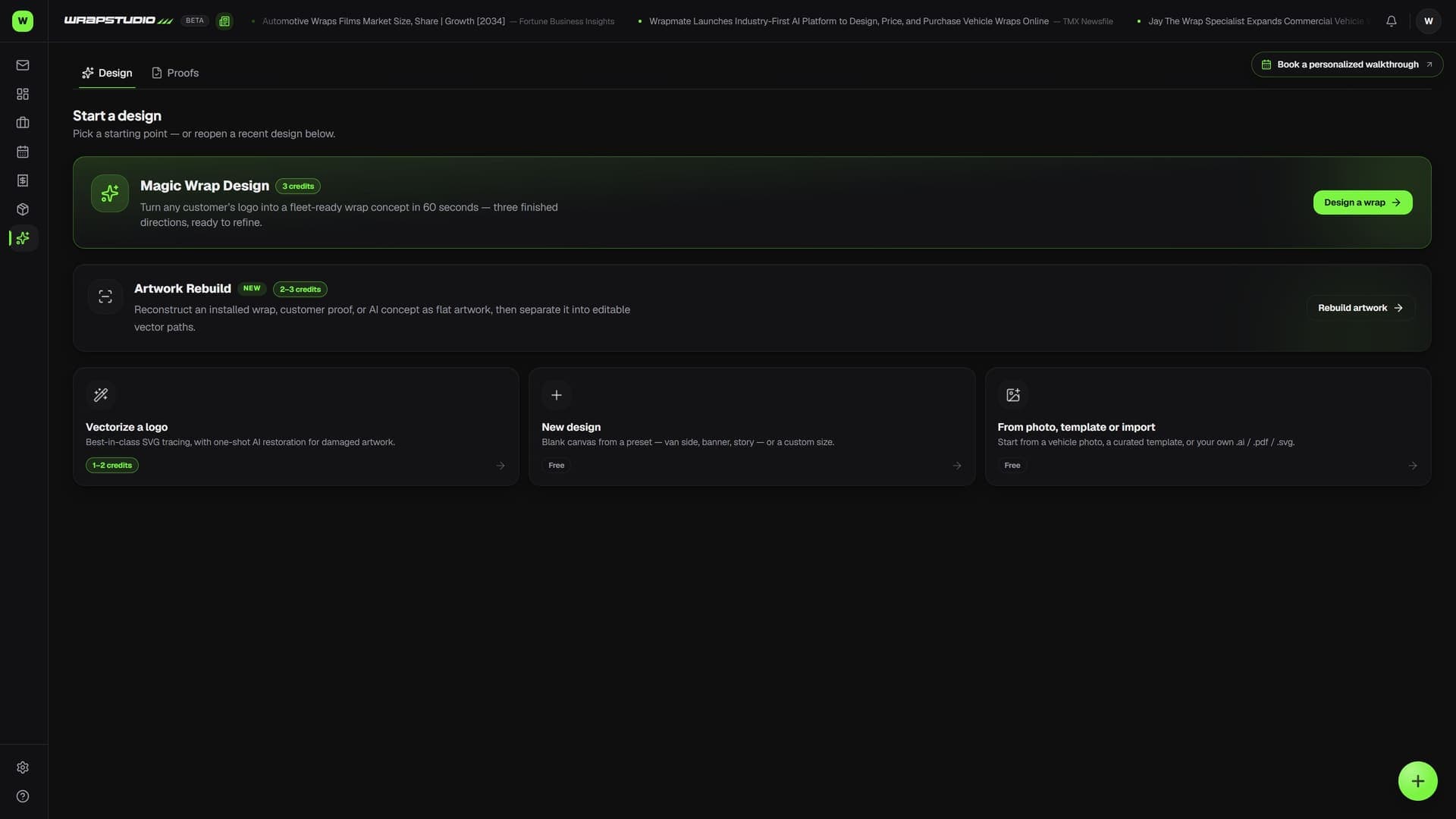
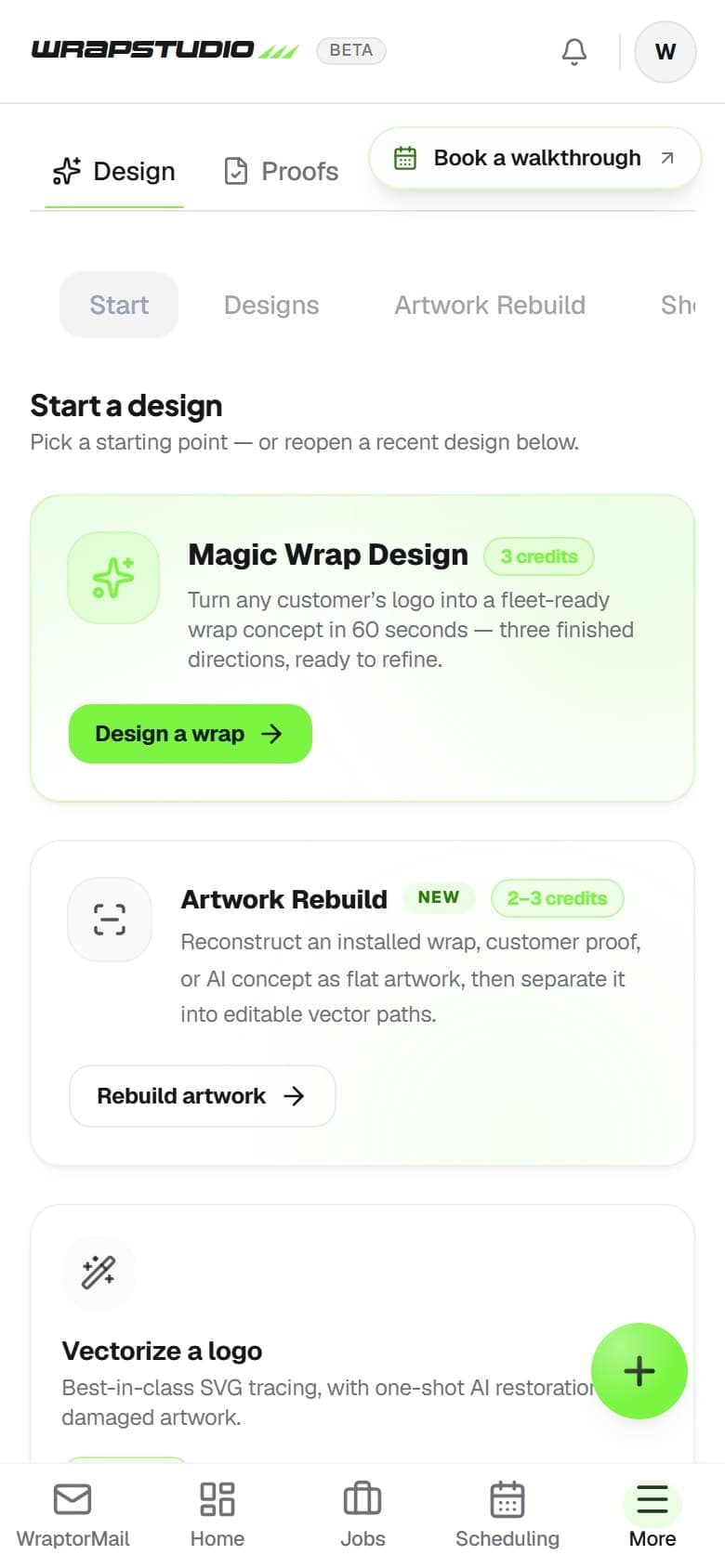
Live captures of the exact screens your crew will run — flip through every view.

Wraptor Wrap Studio interface showing AI background swap on a vehicle wrap install photo (light mode)

How it works

From setup to done.

01

Snap a photo

Take a photo of your finished install with your phone. Parking lot, garage, doesn't matter.

02

Pick your output

Choose what you need: showcase image, before/after, video clip, social post, or all of them.

03

AI does the work

Background gets swapped, image gets polished, caption gets written, video gets rendered. Seconds, not hours.

04

Share everywhere

Download high-res files or post directly to Instagram, Facebook, and Google Business from the studio.

Capabilities

Everything in the box.

  • AI Background Swap

    Drop in a phone photo of your install. Pick a backdrop — showroom, city street, studio, concrete — and get a professional showcase image in seconds. No green screen, no Photoshop.

  • Before & After Generator

    Upload the before and after shots. The studio auto-aligns them and generates a clean split reveal ready for your website or social feed.

  • Background Removal

    Isolate any vehicle from its background with one click. Perfect for catalog shots, web listings, or compositing into custom scenes.

  • Retouch without Photoshop

    Inpaint away the dumpster behind the truck, recolor a panel to show the customer options, upscale to 4K, or drop the vehicle onto a clean white background. Every fix is a click, not an editing session.

  • Vectorizer with Deep Restore

    Convert raster logos and graphics to clean vector files — Illustrator-compatible, no manual tracing. Pick Fast trace for clean art or Deep Restore, an AI redraw that rebuilds blurry, low-res logos and re-typesets the text by matching against 1,400+ fonts, including your uploaded brand fonts.

  • Video Clips

    Turn your showcase images into short video clips with Ken Burns motion, transitions, and your logo. Ready for Reels, TikTok, or your website.

  • Social Post Generator

    AI writes the caption, picks the hashtags, and formats the image for Instagram, Facebook, or Google Business. One click to export or schedule.

FAQ

Common questions.

What is Wrap Studio AI?

Wrap Studio is Wraptor's built-in creative toolkit powered by AI. It includes background swapping, before-and-after generators, background removal, and a logo vectorizer, all designed to help wrap shops create professional portfolio content without needing Photoshop or a photographer.

Can AI generate wrap mockups in Wraptor?

Yes, Wraptor's Wrap Studio uses AI to swap backgrounds on install photos, giving you showroom-quality portfolio images from simple phone shots. You can place vehicles in professional settings like city streets, studios, or concrete backdrops in seconds without any green screen or editing skills.

Does Wraptor vectorize logos?

Wraptor includes a built-in vectorizer that converts raster logos and graphics into clean vector files. Upload a PNG or JPG and get an Illustrator-compatible SVG or AI file back. For blurry or low-res logos, the Deep Restore engine redraws the artwork with AI and re-typesets the text by matching against 1,400+ fonts — including your shop's own uploaded brand fonts.

Can I create before-and-after images with Wraptor?

Wraptor's Before and After Generator automatically aligns your before and after photos and creates a clean split reveal image. The result is ready to post directly to your website or social media feed, helping you showcase your work professionally with minimal effort.

Built to work togetherProofs·Jobs·Wraptor AI·WraptorMail Inbox

Included with every Wraptor plan

Wrap Studio is built into Wraptor. No extra cost, no separate subscription. Just open the studio and start creating.

Start free

30-day free trial · No credit card · Cancel anytime