Estimates
Price a job and get sign-off before you cut vinyl
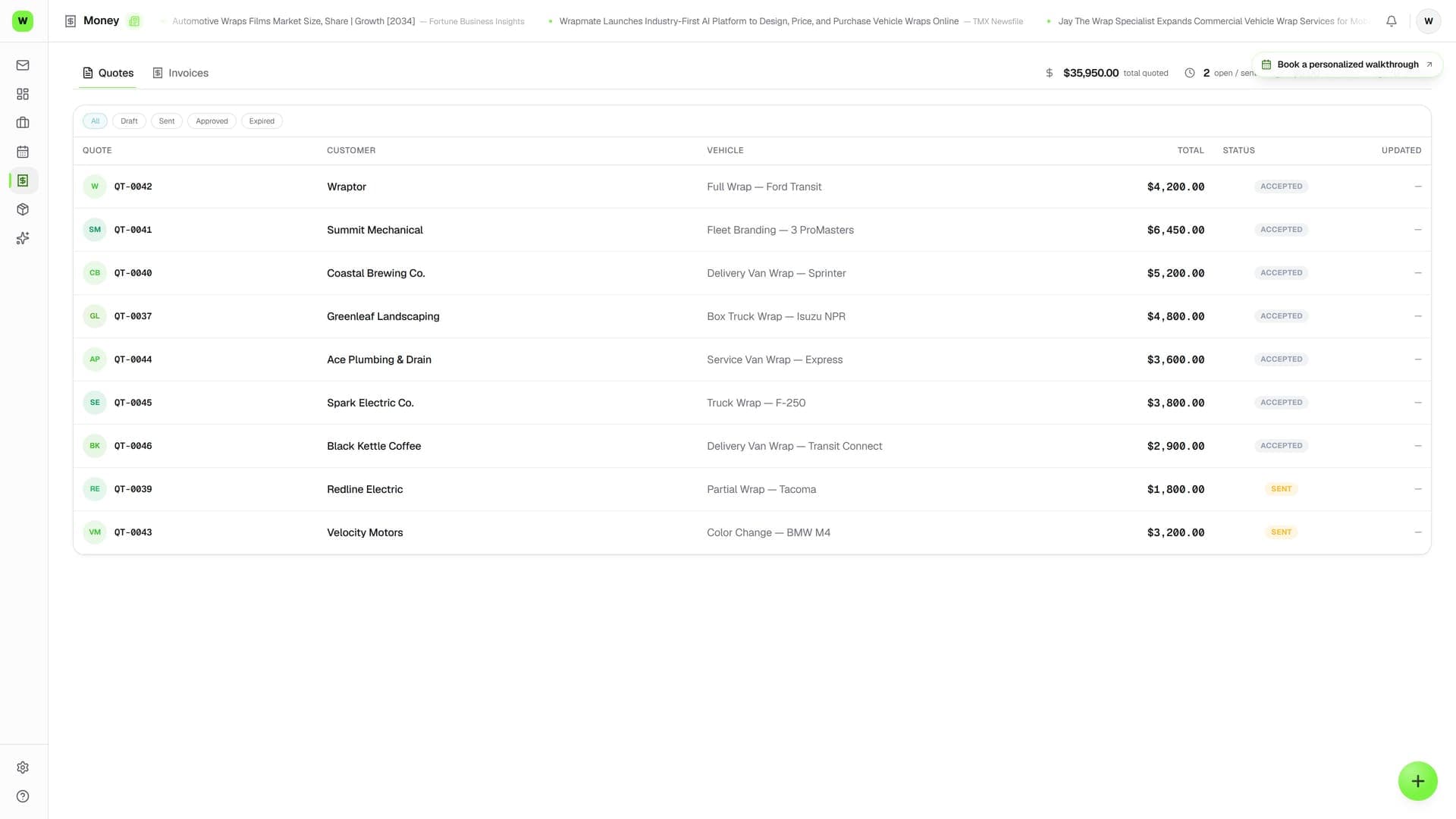
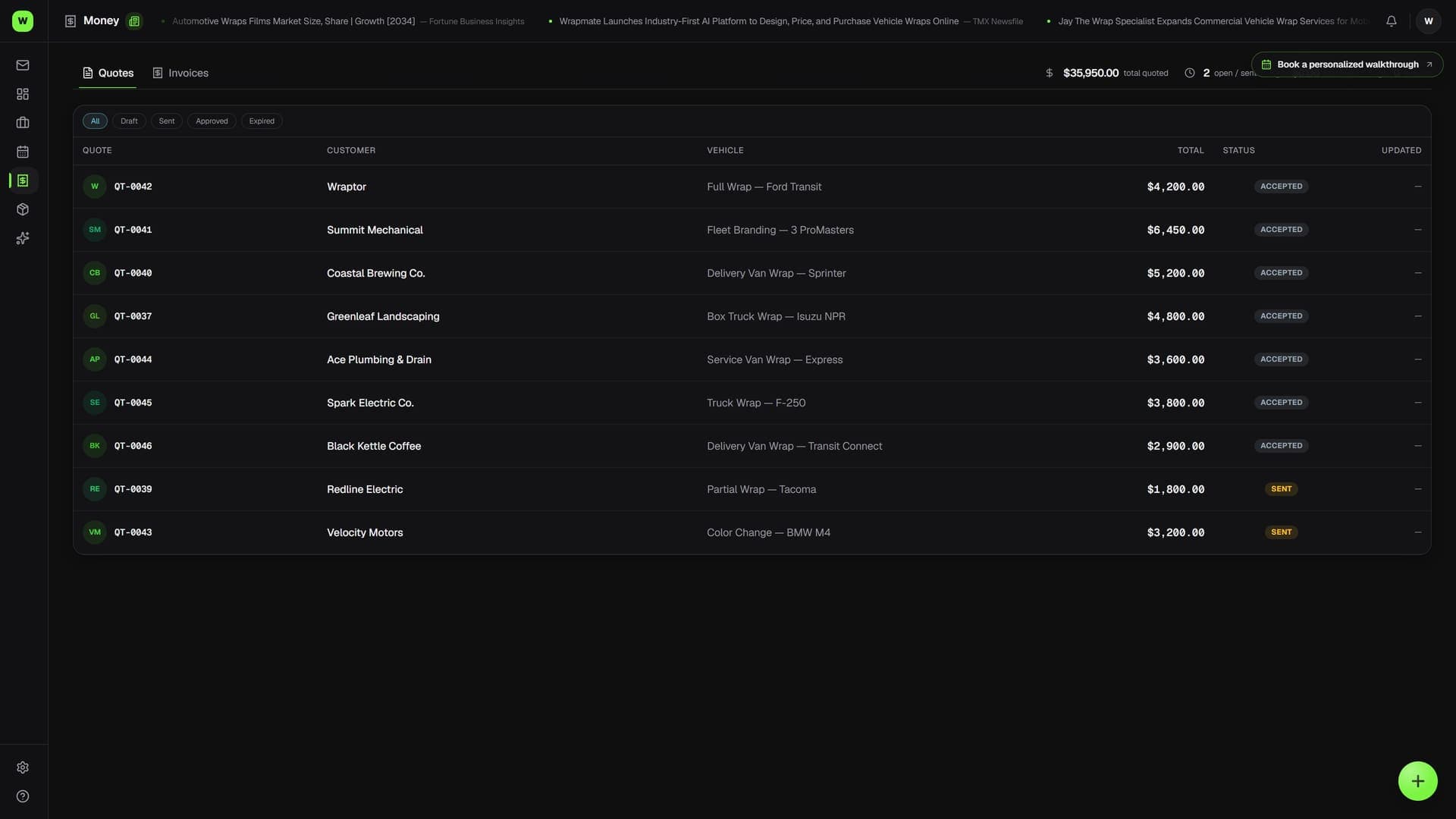
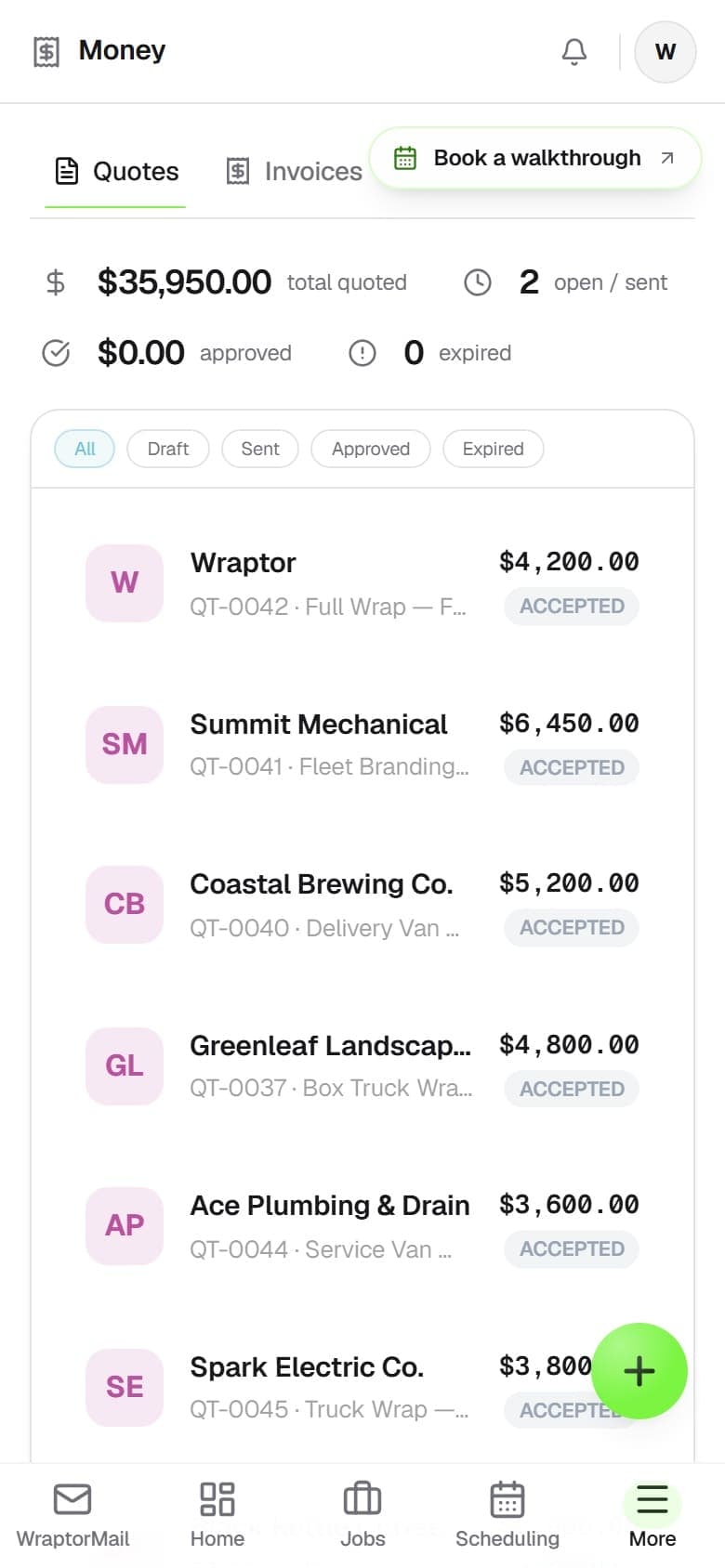
Build branded, itemized quotes with materials, labor, and tax, then send a public link the customer approves with one tap. When they say yes, convert the quote to a job in a single click — customer, vehicle, and wrap type carry straight over.

The problem
Estimates in a spreadsheet lose you jobs
Slow, inconsistent quotes let customers cool off and let you underprice the work.
Without Wraptor
- Typing estimates in Word or a spreadsheet every time
- No itemized breakdown of materials vs. labor
- Guessing square footage and underpricing the wrap
- Customers approve over text with no paper trail
- Re-keying the whole job after the quote is approved
With Wraptor
- Branded, itemized quotes numbered SO-00001 automatically
- Public approval link — no login, one-tap Approve Quote
- Material calculator works out sq ft panel by panel
- AI price suggestions from your shop's own job history
- One-click convert to a job, permanently linked to the quote
How it works
From setup to done.
Build the quote
Pick a customer and vehicle, add material and labor line items, set the tax zone and deposit. Or apply a saved template to pre-fill everything.
Send the link
Mark it Sent and Wraptor generates a public quote link. Email or text it. The customer reviews itemized pricing and taps Approve Quote — no account needed.
Convert to a job
Once approved, click Create Job. Customer, vehicle, wrap type, and title carry over into a new JOB record that stays linked to the original quote.
Move into production
From the new job, head straight to scheduling, design, and the proof flow. The quote lives in the job's Quotes & Invoices tab forever.
Capabilities
Everything in the box.
Itemized quote builder
Add material lines (SKU, name, sq ft, unit price) and labor lines (type, hours, rate) with running subtotal, tax, and total. Each quote is a branded price sheet numbered SO-00001.
Material calculator
A panel-by-panel sq-ft calculator uses the vehicle template to work out material quantity for full, 3/4, or custom coverage. Stop guessing how much film a job takes.
AI price suggestions
Get a suggested line-item set and a historical price range (min, max, avg) drawn from your shop's completed jobs. Price by wrap type, vehicle type, and estimated sq ft.
Public approval link
Mark a quote Sent and share its public link. The customer opens it, reviews the itemized table, and taps Approve Quote. The approval is timestamped — no login required.
Reusable templates
Build templates for common jobs like "Full Wrap — Car" or "PPF Front End" once, then apply them to pre-fill all line items in a single click.
Tax zones and deposits
Set the tax zone (Standard, UEZ, or Exempt) per quote, with tax-exempt customers handled automatically. Toggle a deposit and set the percentage to collect upfront.
FAQ
Common questions.
How do quotes work in Wraptor?
A Wraptor quote is a branded, itemized price sheet with materials, labor, subtotal, tax, and a total. You build it from the Billing area, a customer record, or a job, then mark it Sent to generate a public link. The customer reviews the line items and taps Approve Quote — no login required. Each quote gets a unique number like SO-00001.
Can customers approve quotes online?
Yes. When you mark a quote as Sent, Wraptor generates a private public link you can email or text. The customer opens it, reviews the itemized pricing, and clicks Approve Quote. The approval is timestamped, and staff can also mark a quote approved manually if they have verbal sign-off.
Does converting a quote to a job re-enter all the data?
No. Once a quote is approved, one click on Create Job carries over the customer, vehicle, wrap type, and title into a new job record. The quote and job stay permanently linked, so you can always trace a job back to the price the customer approved.
Can Wraptor suggest a price for a quote?
Wraptor's AI Price Suggestion panel returns a suggested set of line items and a historical price range based on wrap type, vehicle type, and estimated square footage, informed by your shop's completed jobs. You can apply the suggestions to the quote or use them as a sanity check.
Send a quote they can approve in one tap
Quoting is included with every Wraptor plan. Build your first itemized quote, send the link, and convert it to a job the moment it's approved.
Try Wraptor