INSTALL CALENDAR

A visual calendar built around how wrap shops actually schedule — by bay, by installer, and by the real time a job takes. See capacity before you promise a date you can't hit.

app.wraptor.io
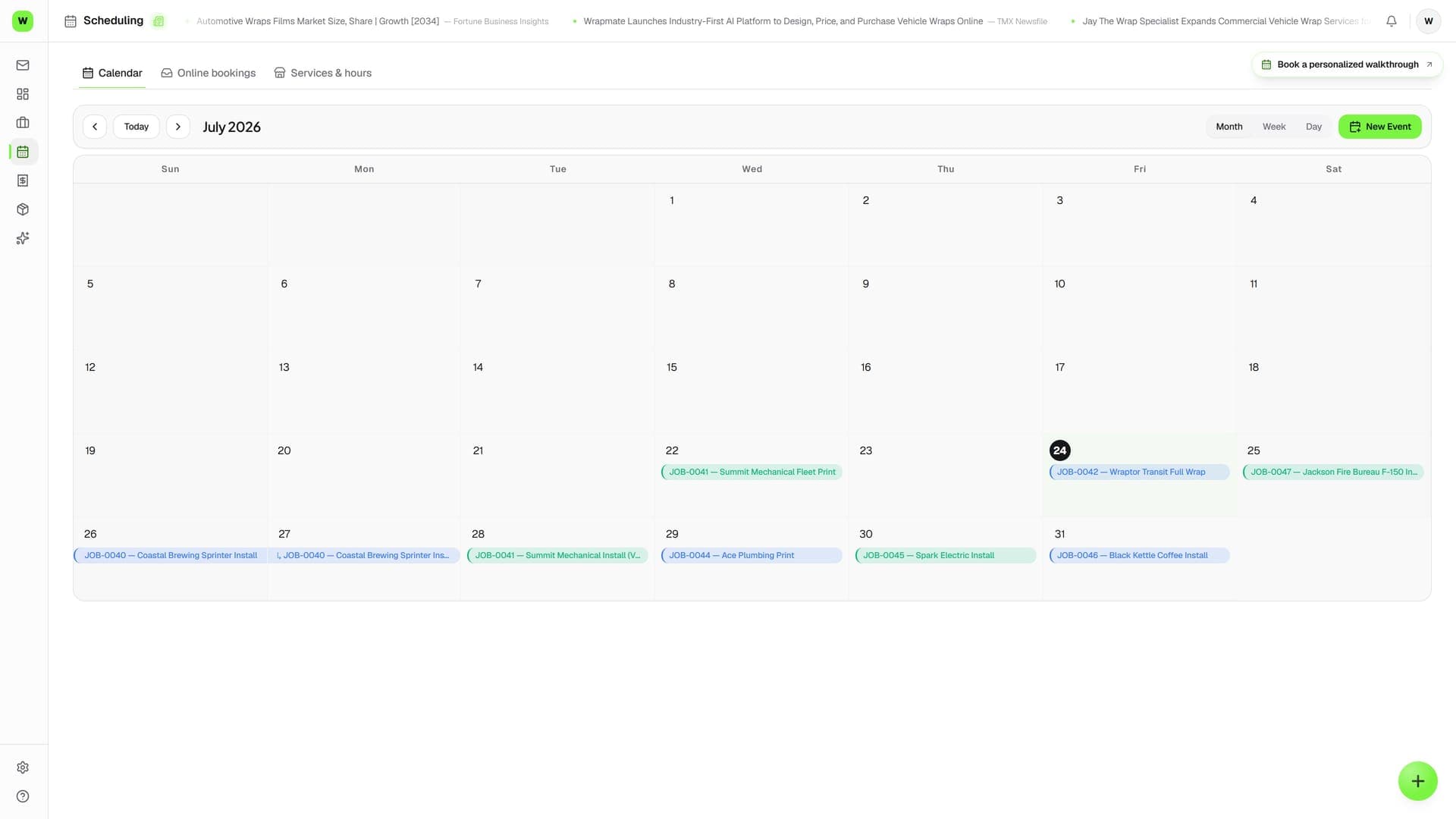
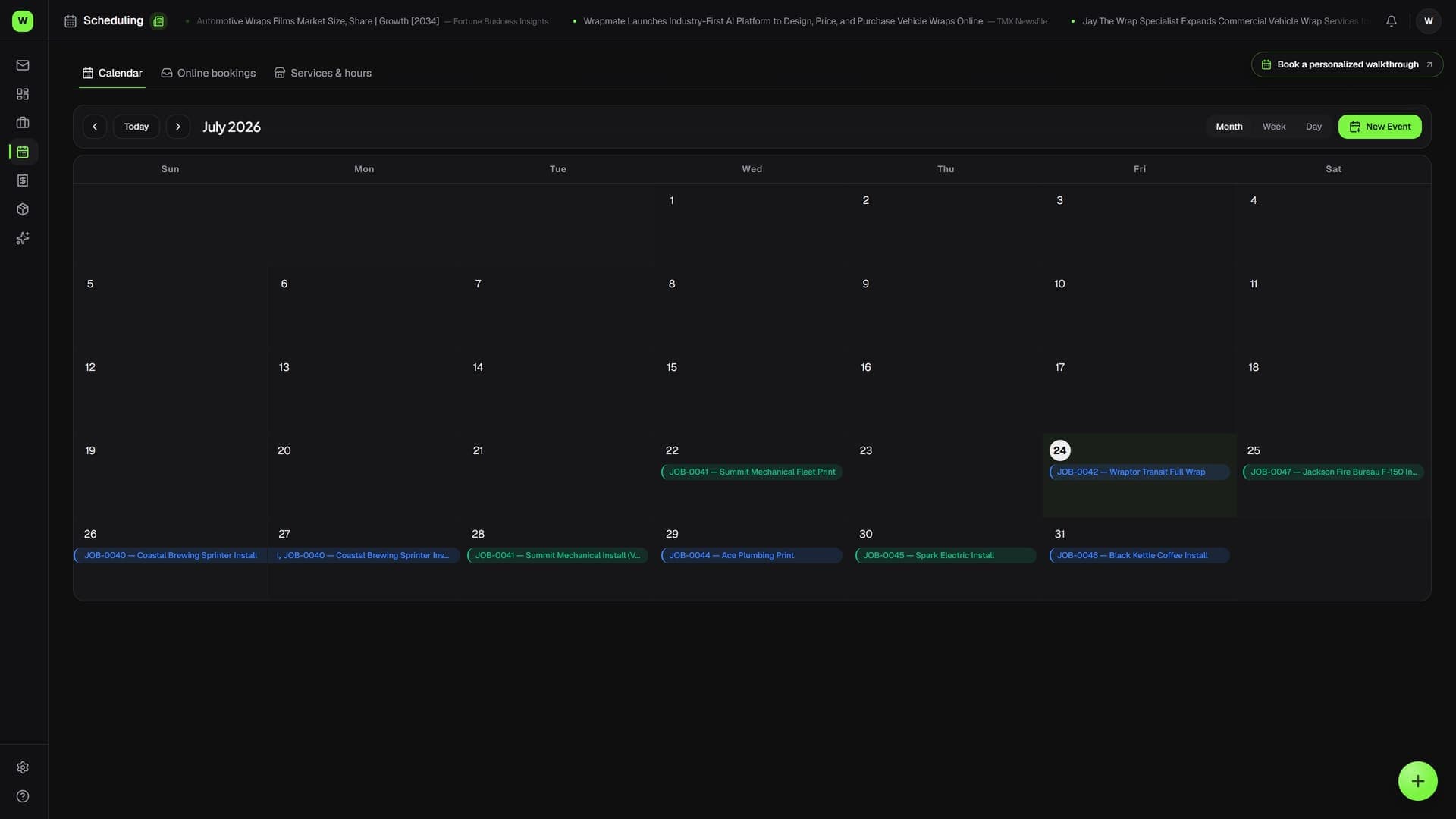
Schedule installs without double-booking a bay
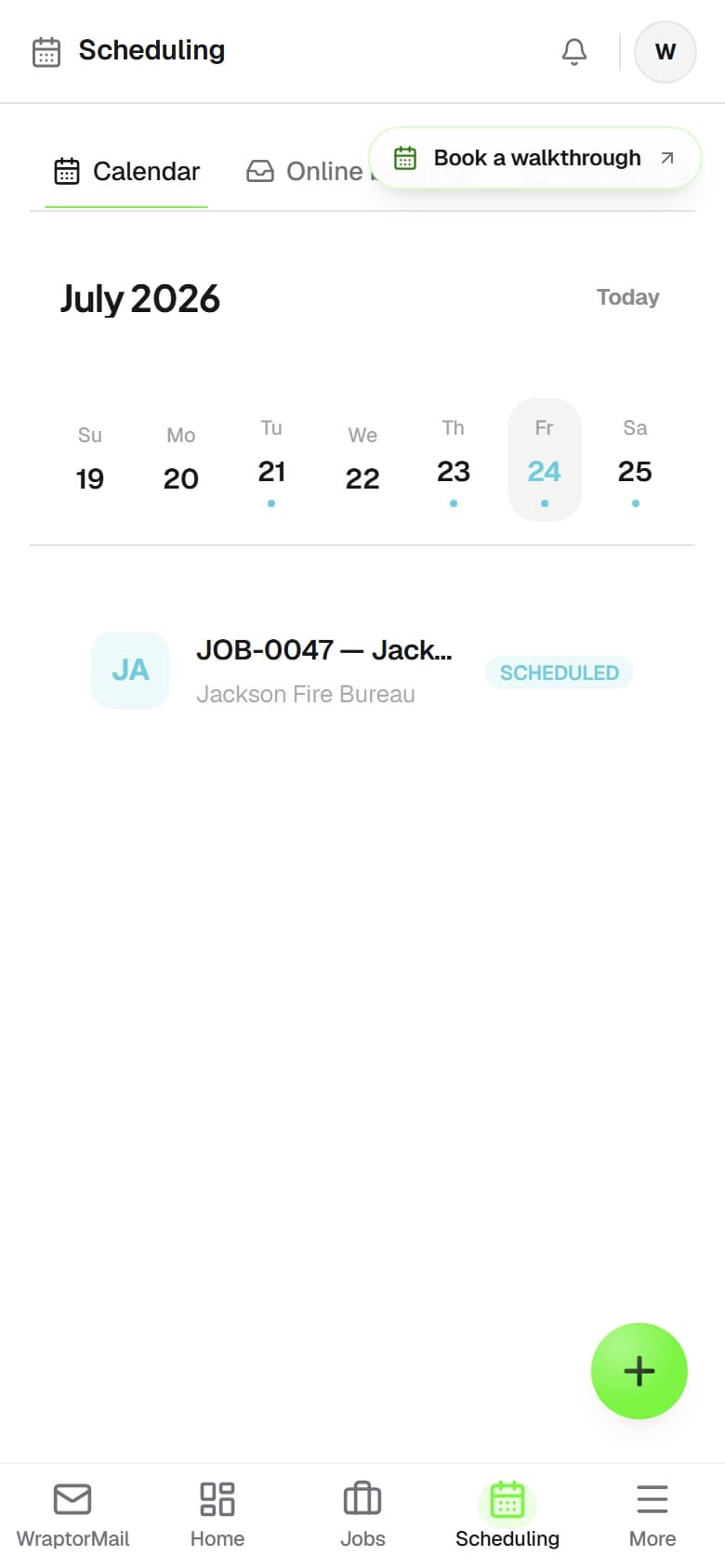
Schedule installs without double-booking a bay — mobile

Scheduling built for the shop floor

Not a generic calendar. A bay-and-installer view that mirrors how your shop actually runs jobs.

Bay Scheduling

Each install bay is its own lane on the calendar. See which bay is busy, which is open, and how many jobs are stacked across your entire shop floor at a glance.

Installer Assignment

Assign jobs to specific installers from the calendar. See each person's day, avoid double-booking, and balance installs across your crew before the week starts.

Drag-to-Reschedule

When a customer pushes back or a job runs long, drag it to a new slot. The installer assignment and bay stays with it — no re-entering details.

Job Details on Click

Click any calendar block to see the full job record: customer, vehicle, wrap type, materials needed, and proof status — without leaving the calendar view.

Multi-Day Jobs

Large fleet wraps or full-car PPF jobs that span multiple days show correctly across the calendar. No need to split them into fake single-day entries.

Capacity at a Glance

Color-coded bay load shows when you're at capacity before you promise a customer a date you can't hit. Stop overbooking by looking at the board first.

From job record to install slot in seconds

01

Open a job and set an install date

From any job record, pick an install date. The job drops onto the calendar in the matching bay with the assigned installer's name attached.

02

Check capacity before confirming

Switch to the calendar view and look at the week. If bay 2 is already packed Thursday, move the job to Friday — or shift an existing one to make room.

03

Reschedule without losing context

Customer calls to push back? Drag the job block to the new date. All the details stay attached — no re-entering customer name, vehicle, or film type.

04

Start the install day with clarity

Every installer opens the calendar in the morning and sees exactly what they're doing, in which bay, with which vehicle. No morning huddle required.

Google Calendar isn't a production schedule

A shared calendar tells you when. Wraptor tells you who, which bay, and what materials are needed — all in the same view.

Without a Shop Calendar

  • Jobs scheduled in a shared Google Calendar with zero job context
  • Double-booked bays discovered on install day
  • Rescheduling means re-texting the whole crew
  • No way to see who is overloaded vs. underbooked
  • Large fleet jobs split into confusing multi-day entries

With Wraptor Calendar

  • Bay-by-bay view shows exactly what's booked and what's open
  • Capacity limits prevent overbooking before you commit to a date
  • Drag to reschedule — installer and job details stay attached
  • Click any block to open the full job record instantly
  • Multi-day jobs display correctly across the full span

Stop guessing, start scheduling

The install calendar is included in every Wraptor plan. Try it with your own bay layout and team in the interactive demo.

Try Demo