Built-in Intelligence

Your shop runs smarter without you trying.

Wraptor doesn't bolt on AI as a chatbot. Intelligence is woven into every feature — detecting leads, drafting follow-ups, parsing invoices, and linking everything to the right job. No prompts. No setup. It just works.

Start free

30-day free trial · No credit card · Cancel anytime

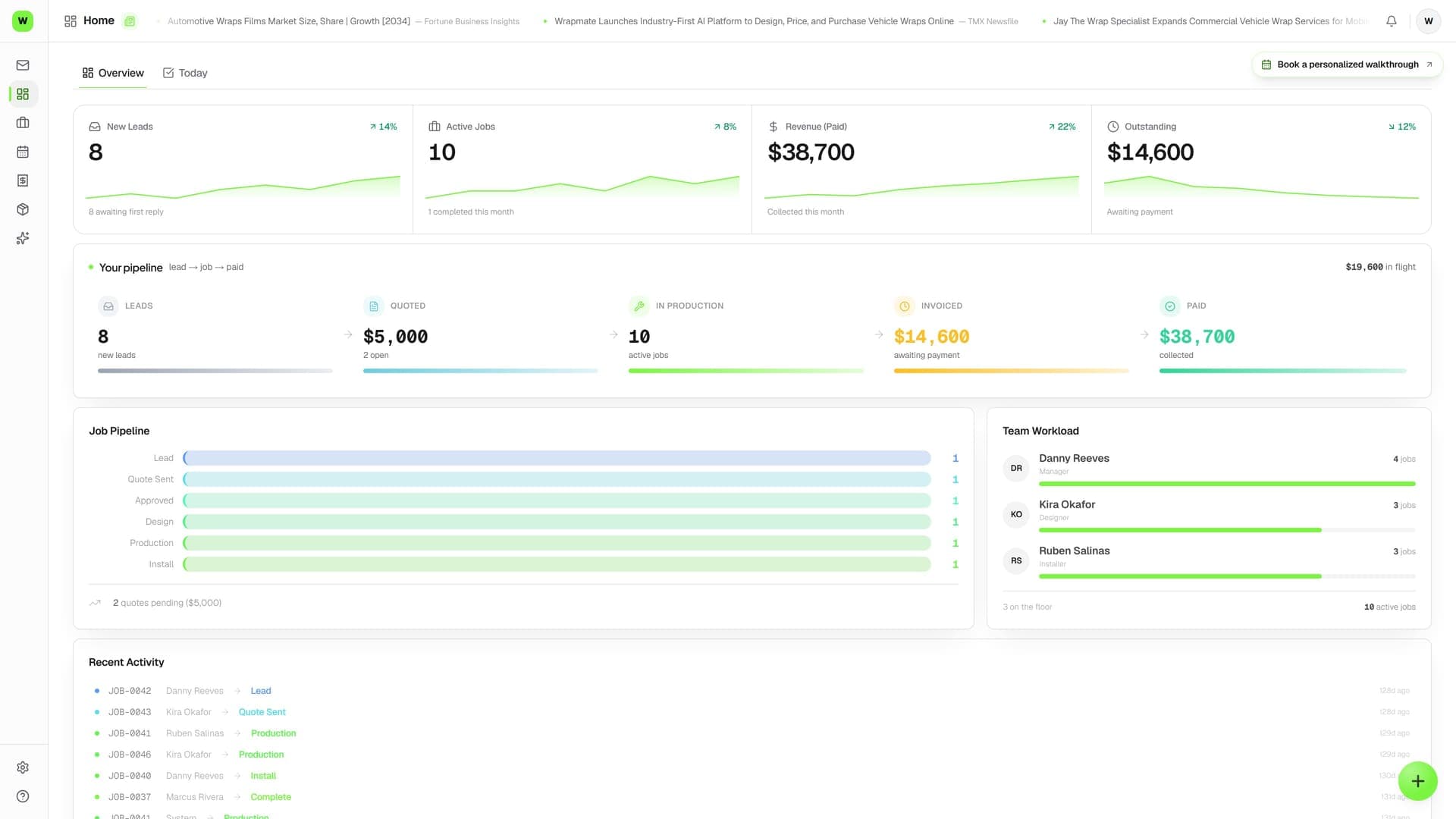
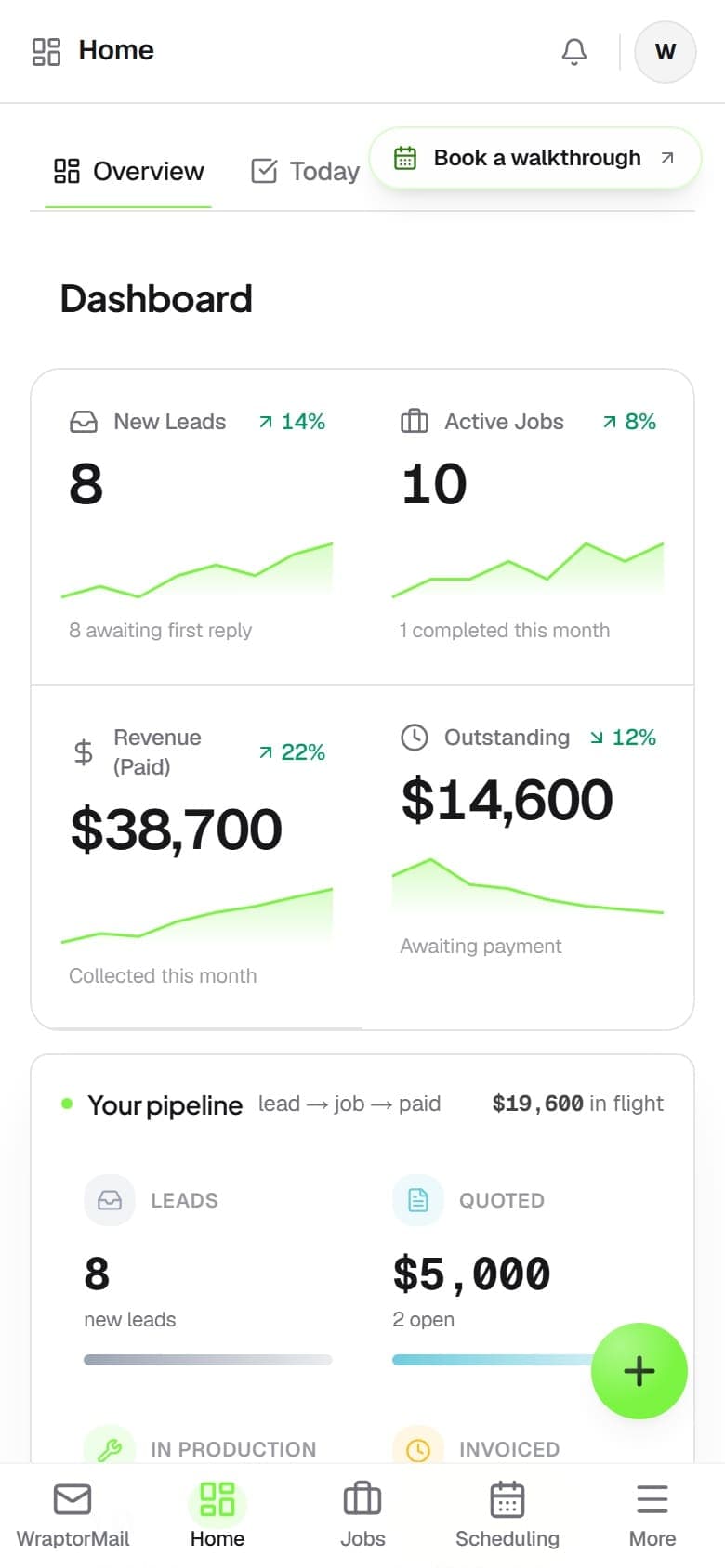
Wraptor intelligence dashboard showing AI-generated lead detection, follow-up drafts, and invoice parsing suggestions

Live capture — the real screen, not a mockup

The problem

The old way vs. the Wraptor way

There's no AI button to press. Intelligence is embedded in every workflow — the product is simply built to understand your business.

Without Wraptor

  • Manually classify every lead
  • Forget to follow up on quotes
  • Type vendor invoices into inventory
  • Search email for job context
  • Guess which marketing works
  • Count rolls to check stock

With Wraptor

  • Leads auto-detected and scored
  • Follow-ups drafted automatically
  • AI parses invoices, one-click add
  • Everything linked to the right job
  • Full revenue attribution from source to payment
  • Predictive alerts based on upcoming jobs

See it in action

Real screens, not mockups.

Live captures of the exact screens your crew will run — flip through every view.

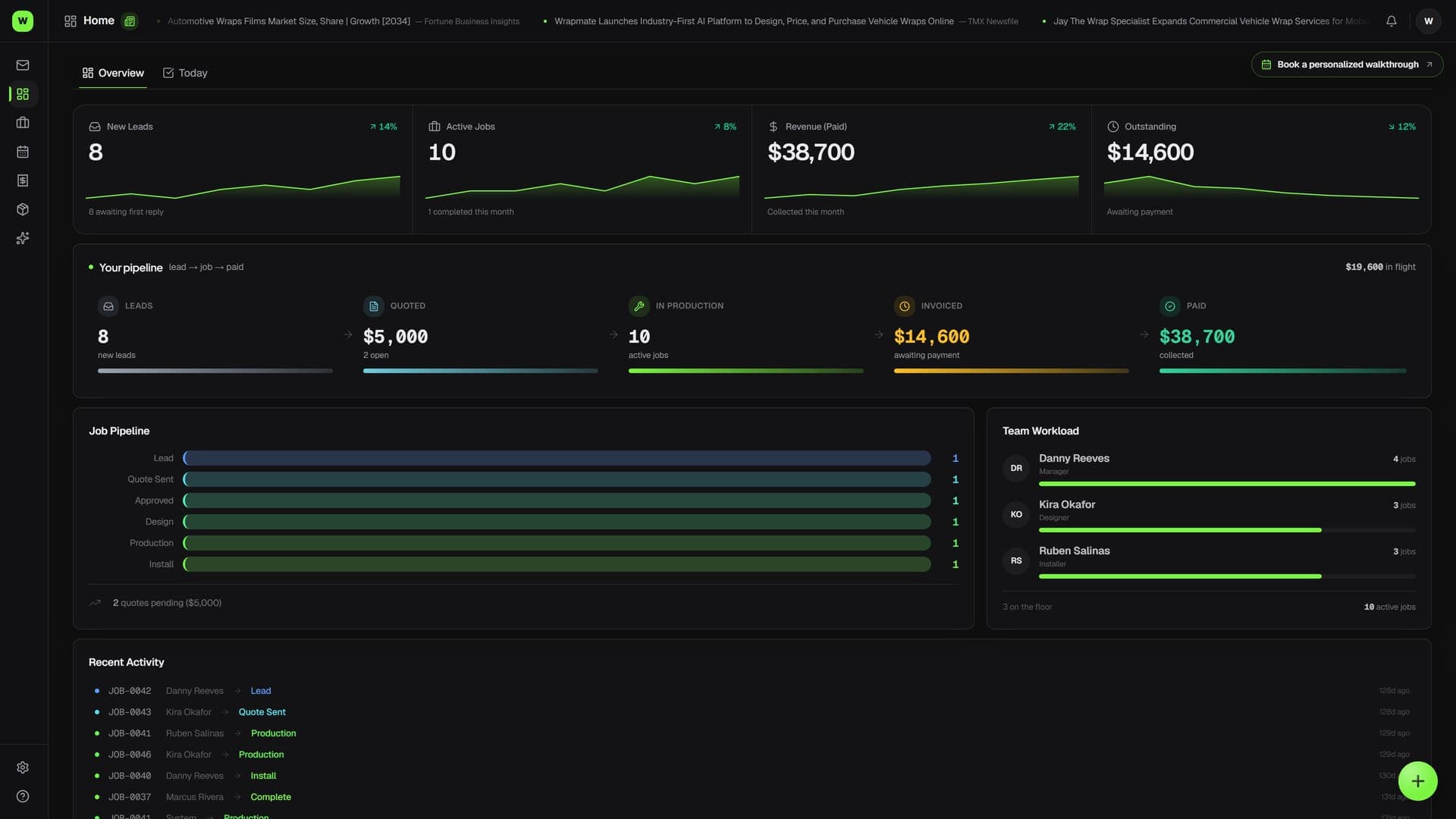
Wraptor intelligence dashboard showing AI-generated lead detection, follow-up drafts, and invoice parsing suggestions (light mode)

How it works

From setup to done.

01

Data flows in naturally

As you use Wraptor — creating jobs, emailing customers, uploading proofs, ordering materials — intelligence builds automatically. No training, no configuration.

02

AI connects the dots

Every piece of data gets linked: emails to jobs, invoices to inventory, leads to revenue. The system understands your business relationships.

03

You get actionable suggestions

Drafted follow-ups, parsed invoices, scheduling alerts, inventory warnings. Always presented as suggestions you can accept, modify, or dismiss.

Capabilities

Everything in the box.

  • Lead Detection

    Every incoming email, form submission, and inquiry is automatically classified. New leads get flagged, scored by estimated value, and added to your pipeline without a single click.

  • Follow-Up Drafts

    When a lead goes quiet, Wraptor drafts a follow-up based on the conversation history. You review, tweak if needed, and send. Cold leads get recovered while you focus on installs.

  • Vendor Invoice Parsing

    Forward a material invoice and AI extracts every line item — brand, SKU, color, quantity, price. One click to add it all to inventory. No data entry.

  • Job Linking

    Emails, files, proofs, and invoices automatically link to the right job and customer. Open any record and see the full picture without digging.

  • Smart Quoting

    AI pre-fills quotes based on vehicle type, wrap coverage, and your pricing history. Similar past jobs surface automatically so you never underprice.

  • Revenue Attribution

    Track every dollar from first inquiry to paid invoice. See which lead sources convert, which services are most profitable, and where deals stall.

  • Inventory Intelligence

    Low-stock alerts triggered by upcoming job schedules, not just raw quantity. If you have 3 jobs next week using Satin Black, you'll know before Monday.

  • Scheduling Awareness

    AI flags scheduling conflicts, suggests optimal job sequencing based on material availability and install bay capacity, and alerts when timelines are at risk.

  • Morning briefing & at-risk alerts

    Every morning WrapGPT reads your pipeline and writes the day: today's installs, quotes going stale, invoices past due, and jobs at risk of missing their date — on your Home screen and in your inbox by 8am.

  • Content Generation

    Wrap Studio AI turns install photos into showcase images, social posts, before/after reveals, and video clips. Your marketing runs itself.

FAQ

Common questions.

What AI features does Wraptor have?

Wraptor uses AI across the entire platform including automatic lead detection from emails, follow-up draft generation, vendor invoice parsing, email classification, smart job tagging, and creative tools like background swapping and logo vectorization. AI is built into the workflow, not bolted on as an add-on.

Does Wraptor's AI draft email replies?

Yes, when a lead or customer goes quiet, Wraptor's AI drafts a follow-up email based on the full conversation history. You review the draft, tweak it if needed, and send. This helps recover cold leads and maintain timely communication without spending time writing every message from scratch.

Can Wraptor's AI parse vendor invoices?

Wraptor's AI can read forwarded vendor invoices and automatically extract every line item including brand, SKU, color, quantity, and price. With one click, all extracted items are added to your inventory. This eliminates manual data entry when receiving material shipments.

How does Wraptor's AI detect new leads?

Every incoming email, form submission, and inquiry is automatically classified by Wraptor's AI. New leads are flagged, scored by estimated value, and added to your sales pipeline without any manual effort. This ensures no potential customer slips through the cracks.

Built to work togetherWraptorMail Inbox·Jobs·Inventory·Studio

Intelligence is included, not an add-on

Every Wraptor plan includes full AI capabilities. No extra charges, no per-seat AI fees, no usage limits on intelligence features.

Start free

30-day free trial · No credit card · Cancel anytime