Fleet Management

Manage entire fleets, not just single vehicles

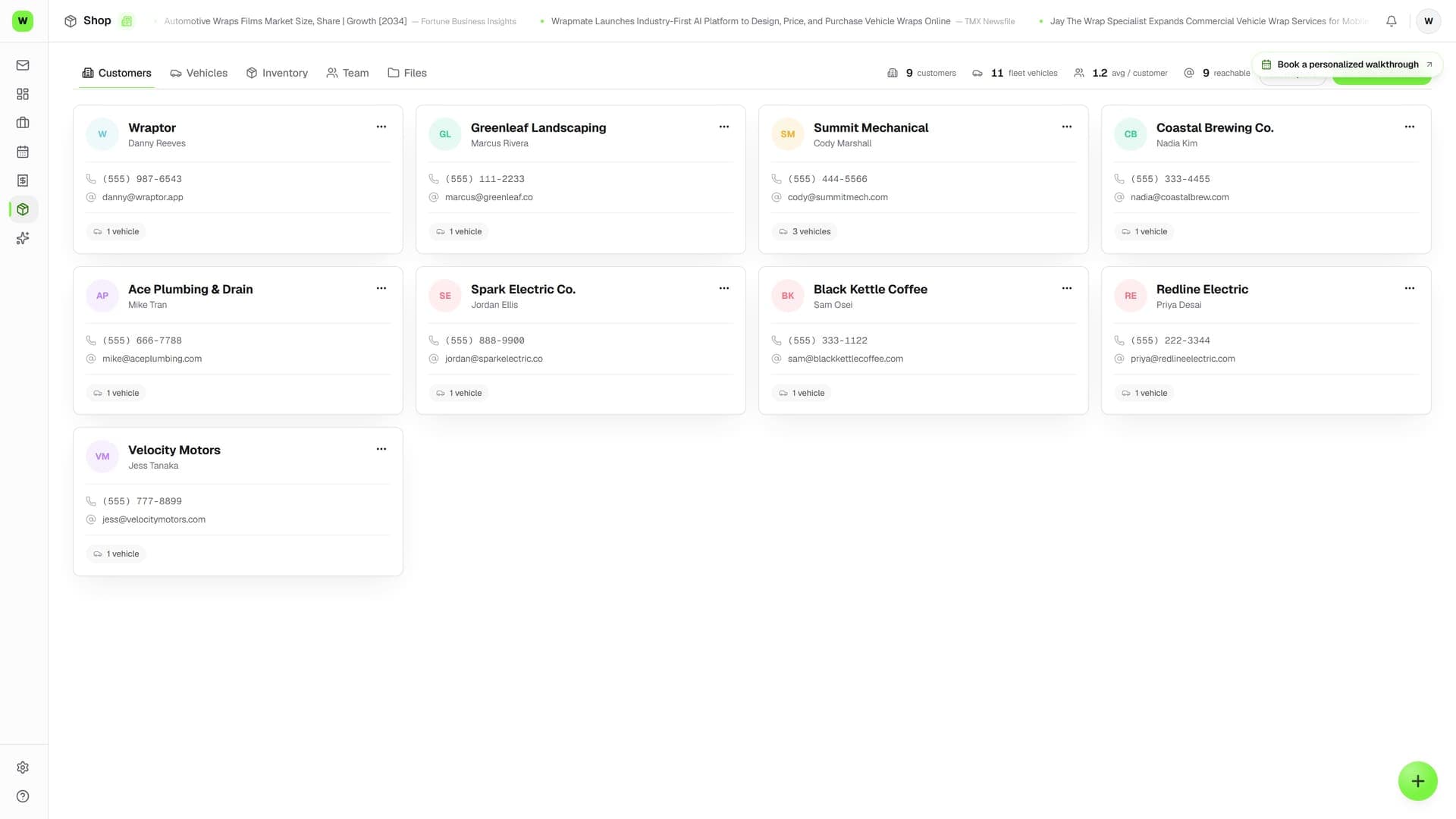
Quote a whole roster in one builder, then track every vehicle in the customer's fleet. See wrap status across the entire fleet, schedule installs in batches, and bill per-vehicle or per-fleet.

Wraptor Free · $0 forever · No credit card

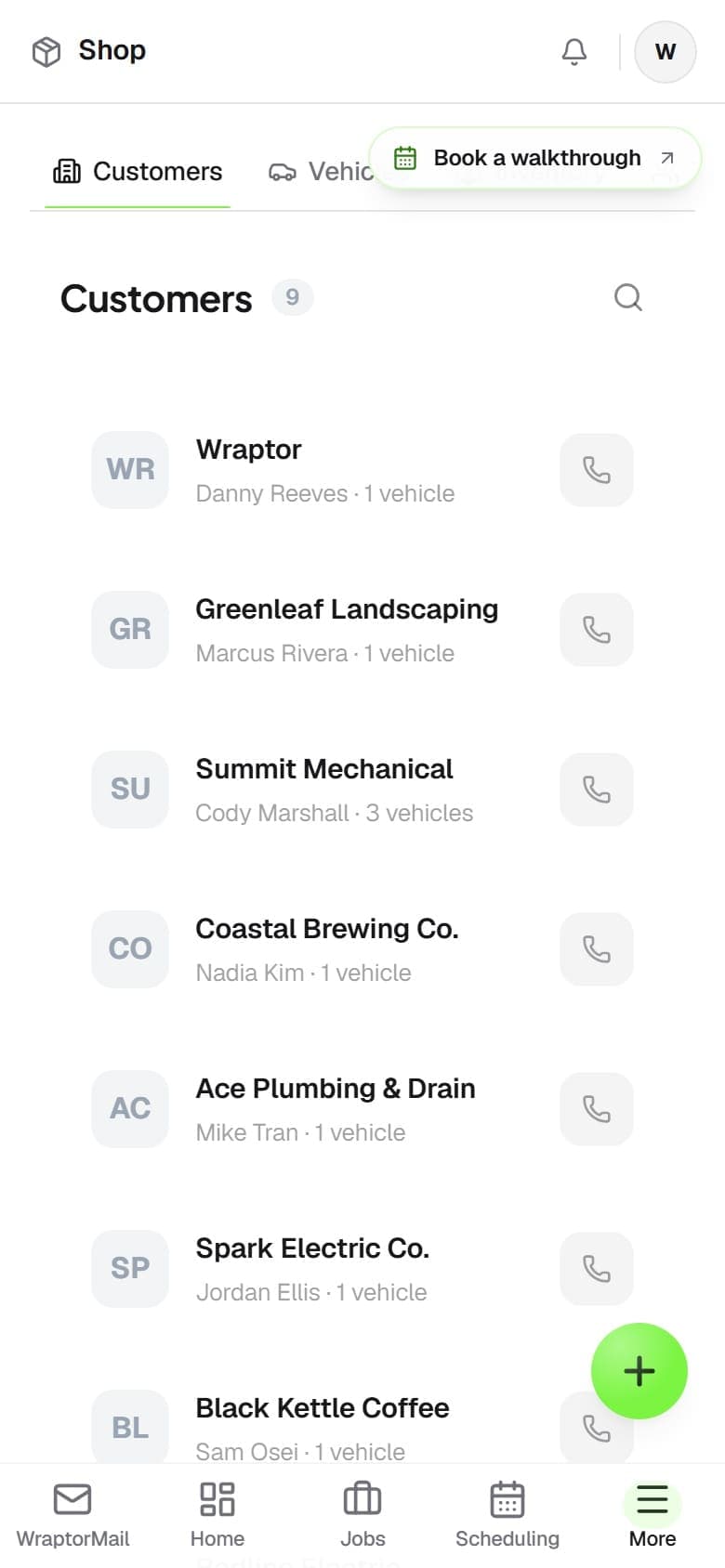
Wraptor fleet dashboard showing vehicle list with wrap status, completion percentage, and scheduled installs

Live capture — the real screen, not a mockup

The problem

Stop managing fleets in spreadsheets

Fleet accounts are too valuable to track with sticky notes and spreadsheets. Give them the professional experience they expect.

Without Wraptor

  • Tracking 50 vehicles across scattered spreadsheets
  • No way to see overall fleet completion at a glance
  • Billing each vehicle manually with separate invoices
  • Customer calls asking which trucks are done
  • No vehicle history or measurement records

With Wraptor

  • One dashboard showing every vehicle and its status
  • Quote the whole roster in one builder, per-unit pricing groups and all
  • Batch job creation for the entire fleet in one click
  • Per-vehicle or per-fleet billing with volume discounts
  • Customers track their own fleet from a single link
  • Full vehicle database with measurements and wrap history

See it in action

Real screens, not mockups.

Live captures of the exact screens your crew will run — flip through every view.

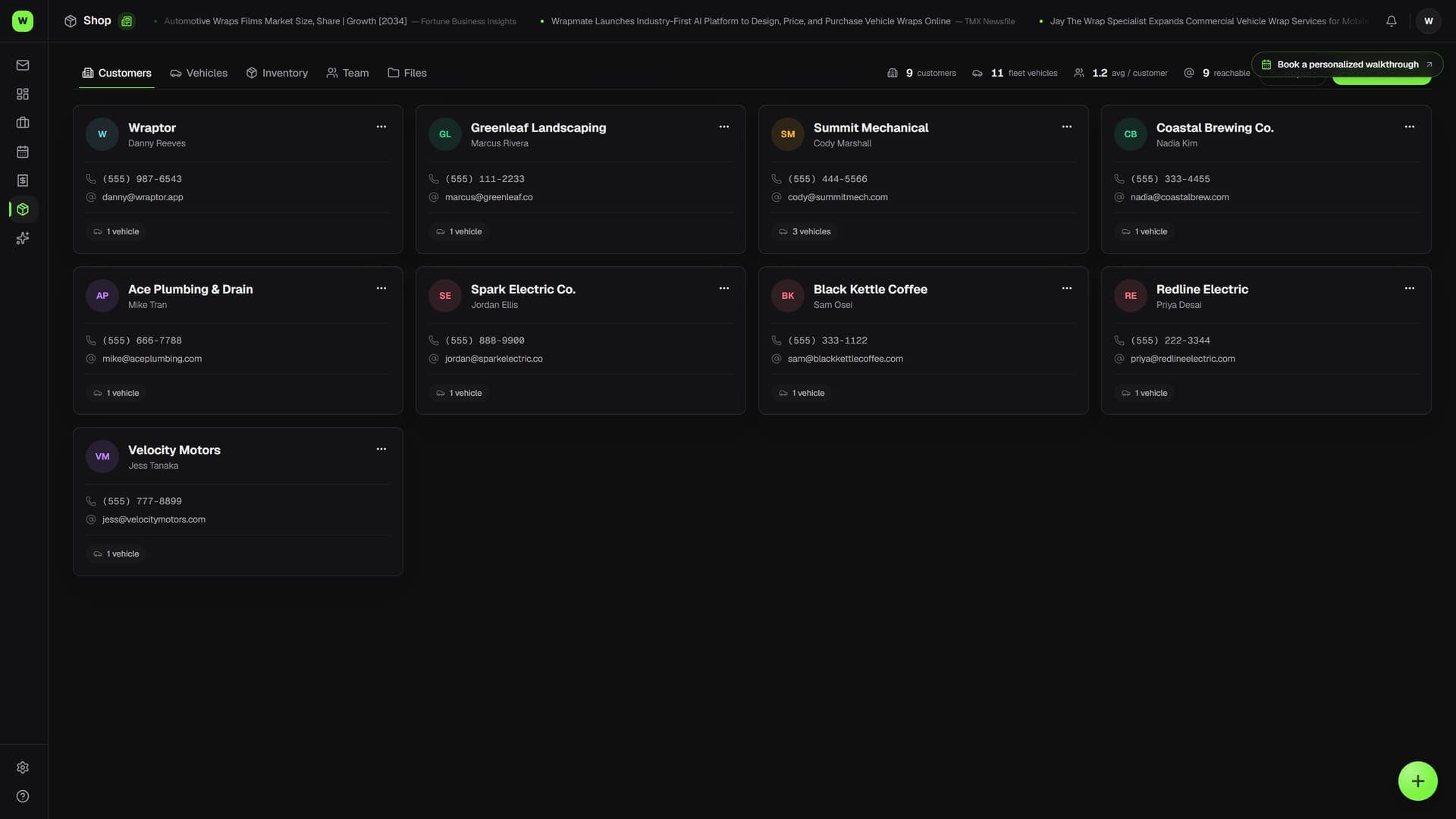
Wraptor fleet dashboard showing vehicle list with wrap status, completion percentage, and scheduled installs (light mode)

How it works

From setup to done.

01

Add fleet customer

Create the customer and add their vehicles. Import from CSV or add manually.

02

Quote it once, convert it whole

One click turns the approved fleet quote into a parent job with a child job per vehicle — every unit tracked on its own timeline under one account.

03

Track progress

Each vehicle moves through your workflow independently. Fleet dashboard shows overall completion.

04

Bill and deliver

Invoice per-vehicle or lump sum. Customer sees all vehicles on their tracking page.

Capabilities

Everything in the box.

  • Quote the whole fleet in one builder

    Build one quote across every vehicle on the roster — per-unit pricing groups for the ten Transits and the three Sprinters, plus fleet-wide charges like design and site travel. The PDF and the customer's quote page show the same grouping, so a fleet manager can see exactly what each unit costs.

  • Fleet Dashboard

    See every vehicle in a fleet at a glance. Color-coded wrap status, completion percentage, and upcoming installs.

  • Batch Job Creation

    Create jobs for every vehicle in a fleet with one click. Same design, same materials, applied across 10 or 100 trucks.

  • Per-Vehicle Tracking

    Each vehicle gets its own job, timeline, and proof approval. Customers track their entire fleet from one dashboard.

  • Fleet Billing

    Quote and invoice per-vehicle or per-fleet. Volume discounts, phased billing, and deposit collection across the fleet.

  • Vehicle Database

    Year, make, model, VIN, color, sq ft measurements, and wrap history for every vehicle. Auto-matched from templates.

  • Fleet Progress Reports

    Show clients a visual overview of how many vehicles are wrapped, in progress, and remaining. Export PDF reports.

FAQ

Common questions.

Can I quote a whole fleet at once?

Yes. The fleet quote builder prices per-vehicle groups and fleet-wide line items in a single quote, and the totals stay grouped on the PDF and the public quote page. Approve it and Wraptor creates a parent job plus one child job per vehicle on the roster.

Does Wraptor support fleet wrap management?

Yes. Wraptor includes a dedicated fleet management system. You can create a fleet account for a company, add all their vehicles, and manage each vehicle's wrap status from a single dashboard. The fleet view shows color-coded completion, upcoming installs, and billing status across the entire account.

Can I create jobs for an entire fleet at once?

Wraptor's batch job creation lets you create a job for every vehicle in a fleet with one click. The same design and materials are applied across all vehicles. Each vehicle then gets its own job record, proof approval flow, and tracking page so nothing gets mixed up.

How does fleet billing work in Wraptor?

You can invoice per-vehicle or send a single lump-sum invoice for the whole fleet. Wraptor supports volume discounts and phased billing so large accounts can be billed in stages as vehicles are completed.

Can fleet customers track progress on their vehicles?

Yes. Fleet customers get a shared tracking link where they can see the status of every vehicle in real time — which are done, which are in progress, and which are scheduled. This eliminates status calls and keeps large accounts informed without manual updates from your team.

Land the fleet account. Manage it like a pro.

Fleet management unlocks with a paid plan. Free shops can attach a card and test the complete fleet workflow for 7 days before the membership begins.

1 active job + 1 active quote free forever

Free forever · No card