Client proofing

Design approval without the back and forth

Upload designs, let clients pin comments directly on the mockup, and collect approvals from their phone. Version tracking, revision history, and approval lock built in.

Start free

30-day free trial · No credit card · Cancel anytime

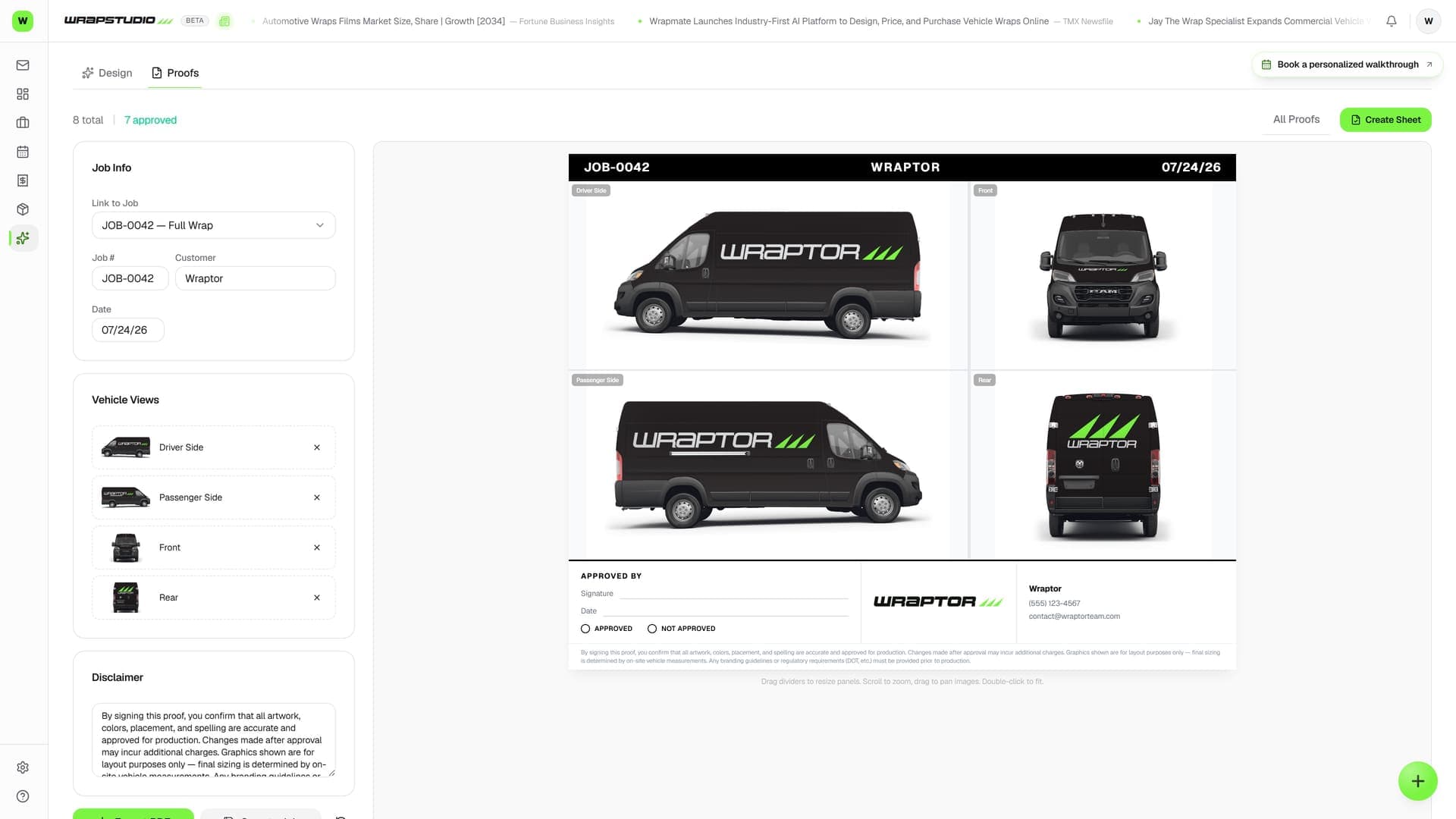
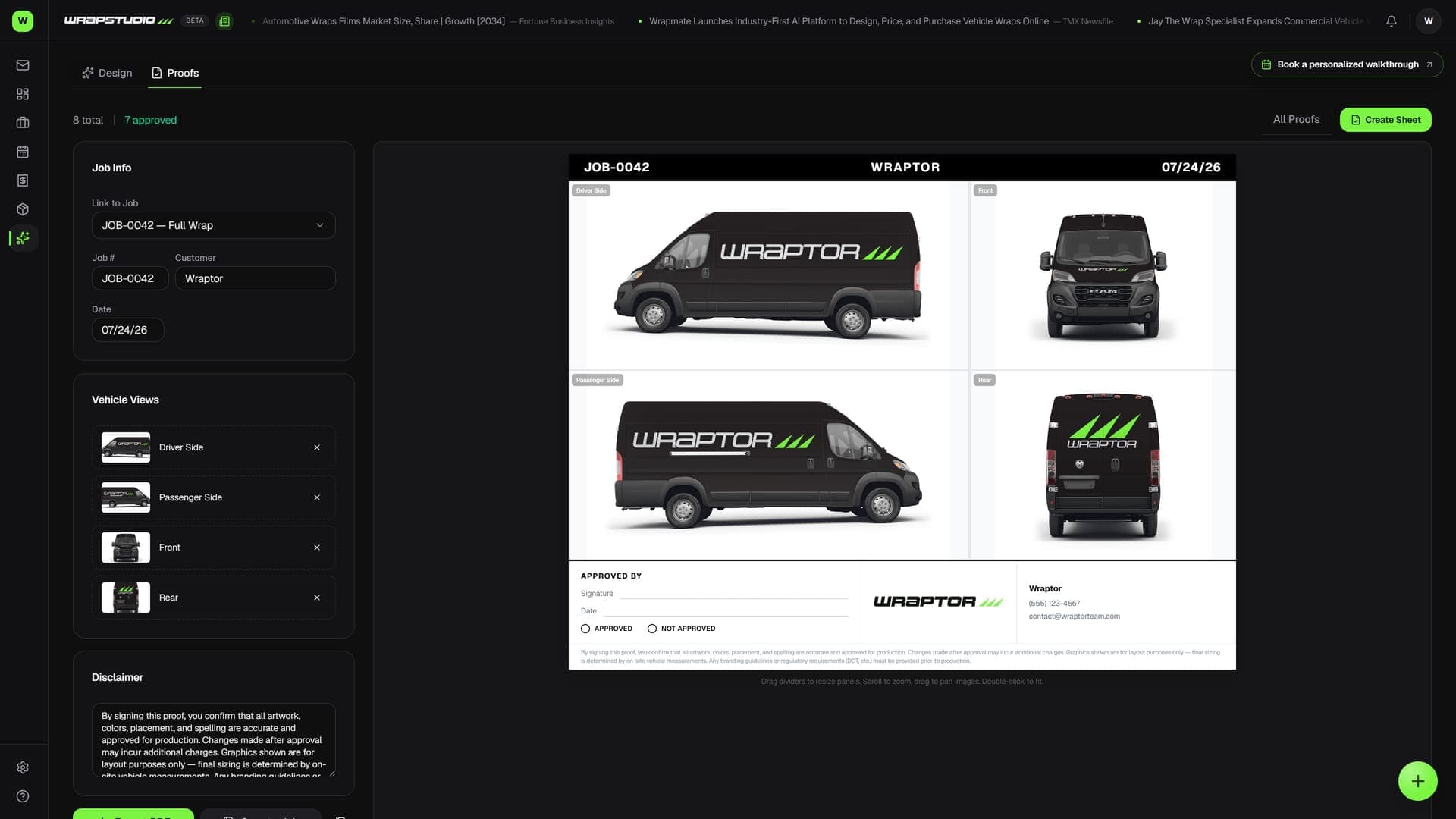
Wraptor proofing view with pinned client comments on a wrap mockup

Live capture — the real screen, not a mockup

The problem

Texting design proofs is costing you hours

Screenshots over iMessage, vague feedback over email, lost versions. There's a better way.

Without Wraptor

  • Texting design screenshots over iMessage
  • "Can you move the thing on the left?" with no context
  • Lost revisions and overwritten files
  • No record of what was approved and when
  • Changes requested after "final" approval

With Wraptor

  • Professional proof link clients open on their phone
  • Pin comments directly on the design with precision
  • Every version tracked, side-by-side comparison
  • Timestamped approval with approval lock
  • Revision history protects you from scope creep

Try it

This is the real thing. Click it.

Live demo — click it
JOB-0042
Wraptor — Fleet ProMaster
v2
Approved
Proof sheet — Wraptor — Fleet ProMaster

Approved by customer — one tap, logged on the job. Files released to production.

See it in action

Real screens, not mockups.

Live captures of the exact screens your crew will run — flip through every view.

Wraptor proofing view with pinned client comments on a wrap mockup (light mode)

How it works

From setup to done.

01

Upload the design

Drop your mockup or print file onto the job. It appears in the proofing gallery instantly.

02

Send for review

One click generates a review link. Customer gets an email or SMS with a direct link to the proof.

03

Customer reviews and comments

They pin comments directly on the design. "Make this bigger." "Change this to blue." All in context, no guesswork.

04

Revise or approve

Upload the revision as a new version. Customer reviews again or taps Approve. Proof locks, job moves to print.

Capabilities

Everything in the box.

  • Upload designs

    Upload mockups, print files, or design previews directly to the job. Drag and drop from your desktop. Supports PNG, JPG, PDF, and AI files.

  • Pin comments on designs

    Click anywhere on the design to leave a comment. "Move the logo 2 inches left" pinned exactly where it matters. No more confusing email threads about "the thing on the right side."

  • Client approval from phone

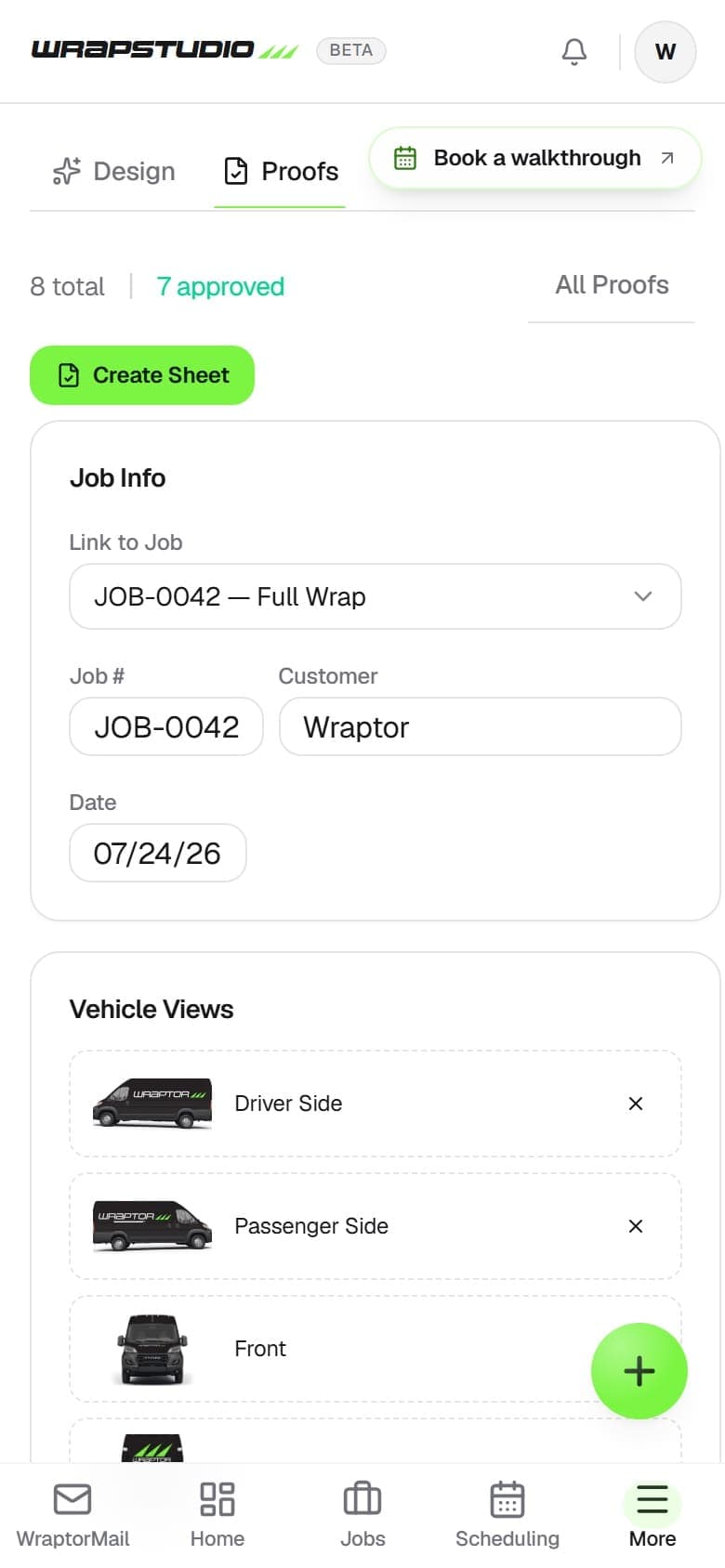
    Send a review link to your customer. They open it on their phone, see the design, leave comments, and tap Approve. No account needed, no app to download.

  • Version tracking

    Every revision is saved as a version. Compare v1 to v3 side by side. See exactly what changed and who requested it.

  • Revision history

    Full timeline of uploads, comments, approvals, and rejections. If a customer says "I approved that," you have the proof with timestamp.

  • Approval lock

    Once a design is approved, the proof locks. No accidental changes after sign-off. If revisions are needed, a new version gets created.

FAQ

Common questions.

How does client proofing work in Wraptor?

Wraptor lets you upload design mockups directly to a job and send a review link to your customer. Clients can view the design, pin comments on specific areas, and tap Approve, all from their browser. Every revision is saved as a version so you can compare changes side by side.

Can clients approve wrap designs from their phone?

Yes, Wraptor's proofing system is fully mobile-friendly. Customers open the review link on their phone, see the design, leave pinned comments, and approve with a single tap. No app download or account creation is required.

Does Wraptor track design revision history?

Wraptor automatically saves every design revision as a numbered version. You can compare any two versions side by side to see exactly what changed and who requested each revision. This creates a clear approval trail and eliminates confusion about which version was approved.

Built to work togetherJobs·Studio·Invoicing & Billing·CRM

Stop sending proofs over text

Client proofing is included with every Wraptor plan. Upload your first design and send it for approval today.

Start free

30-day free trial · No credit card · Cancel anytime