Equipment & maintenance
Every machine and tool, on a maintenance schedule
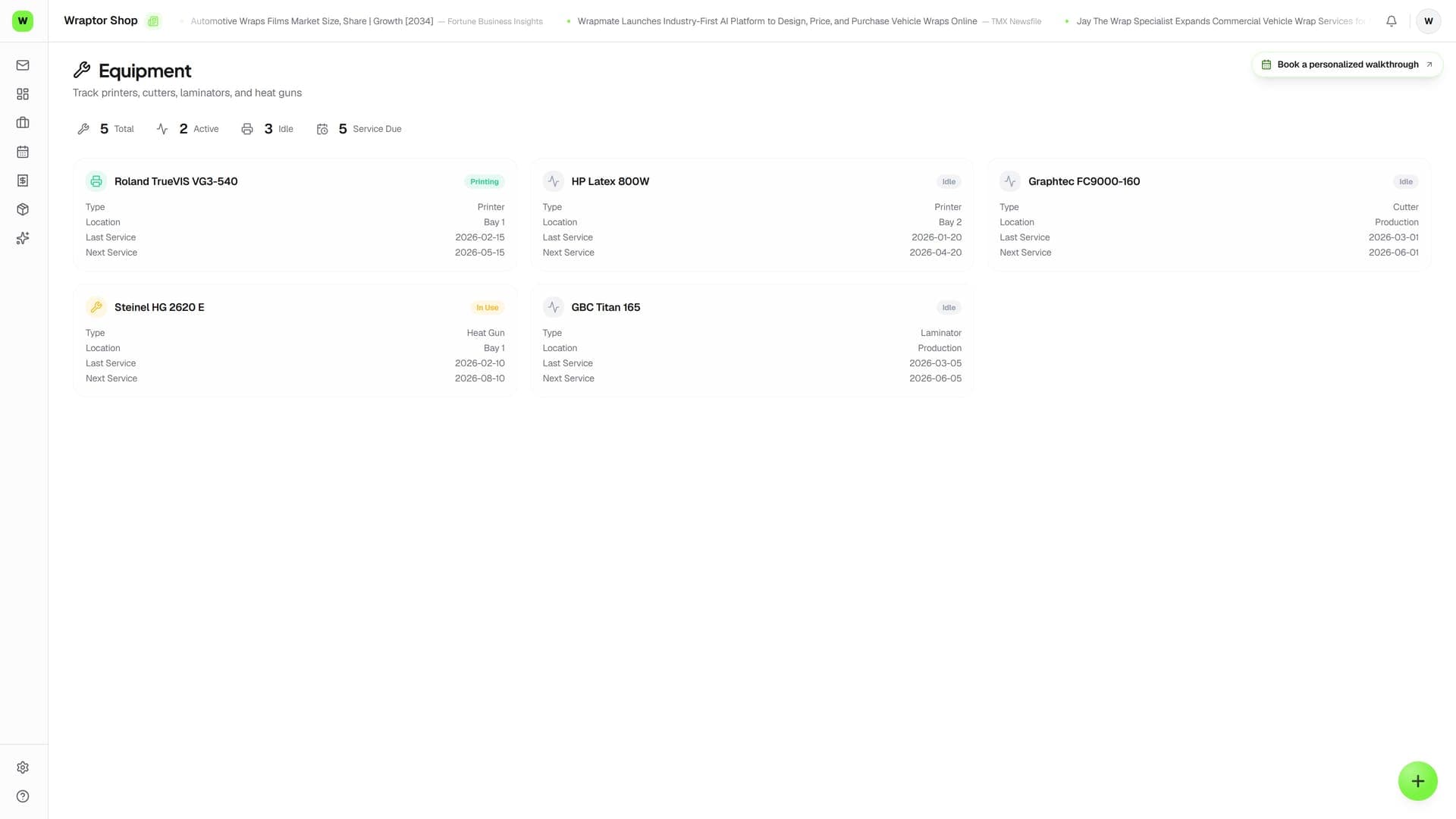
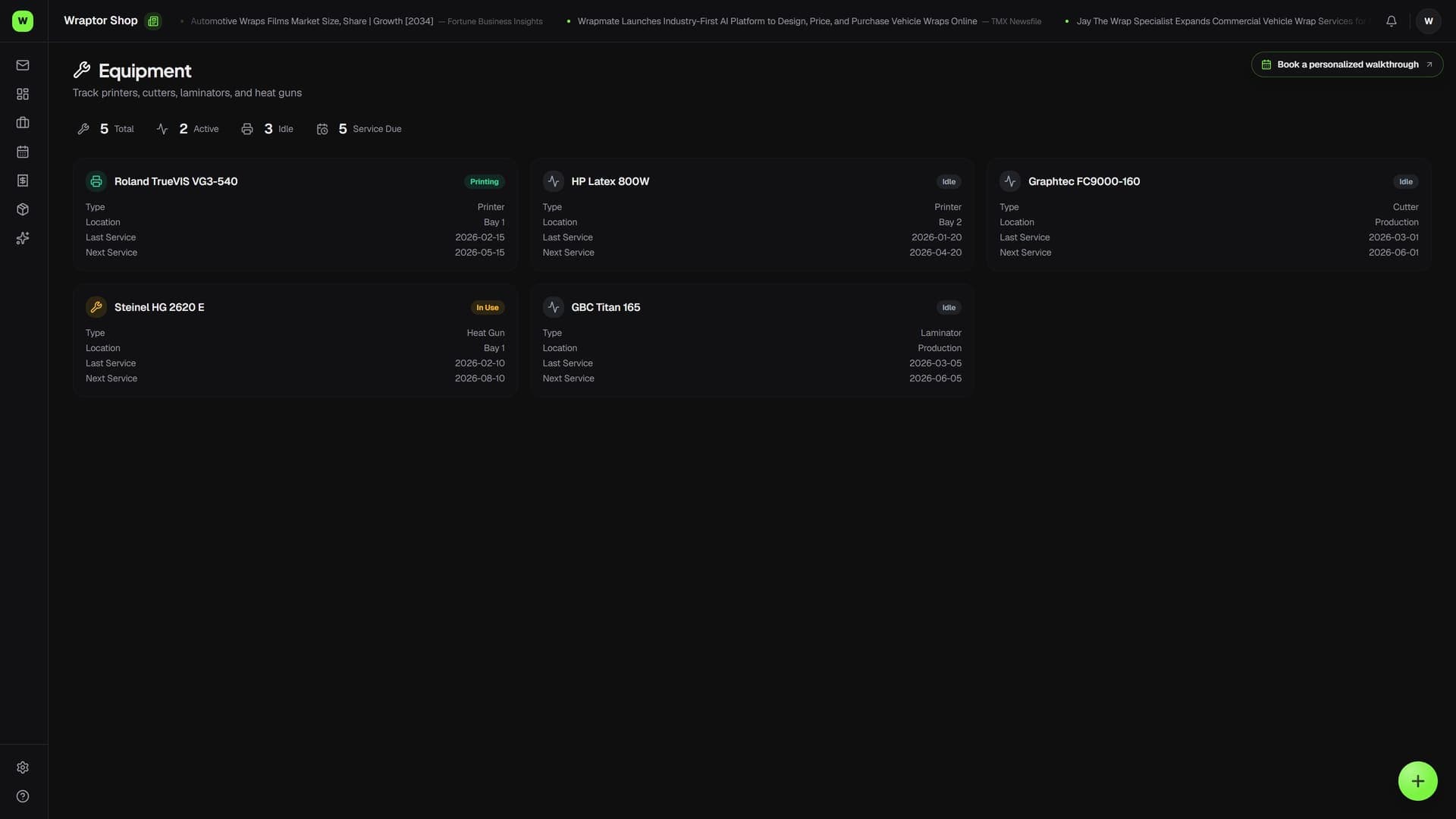
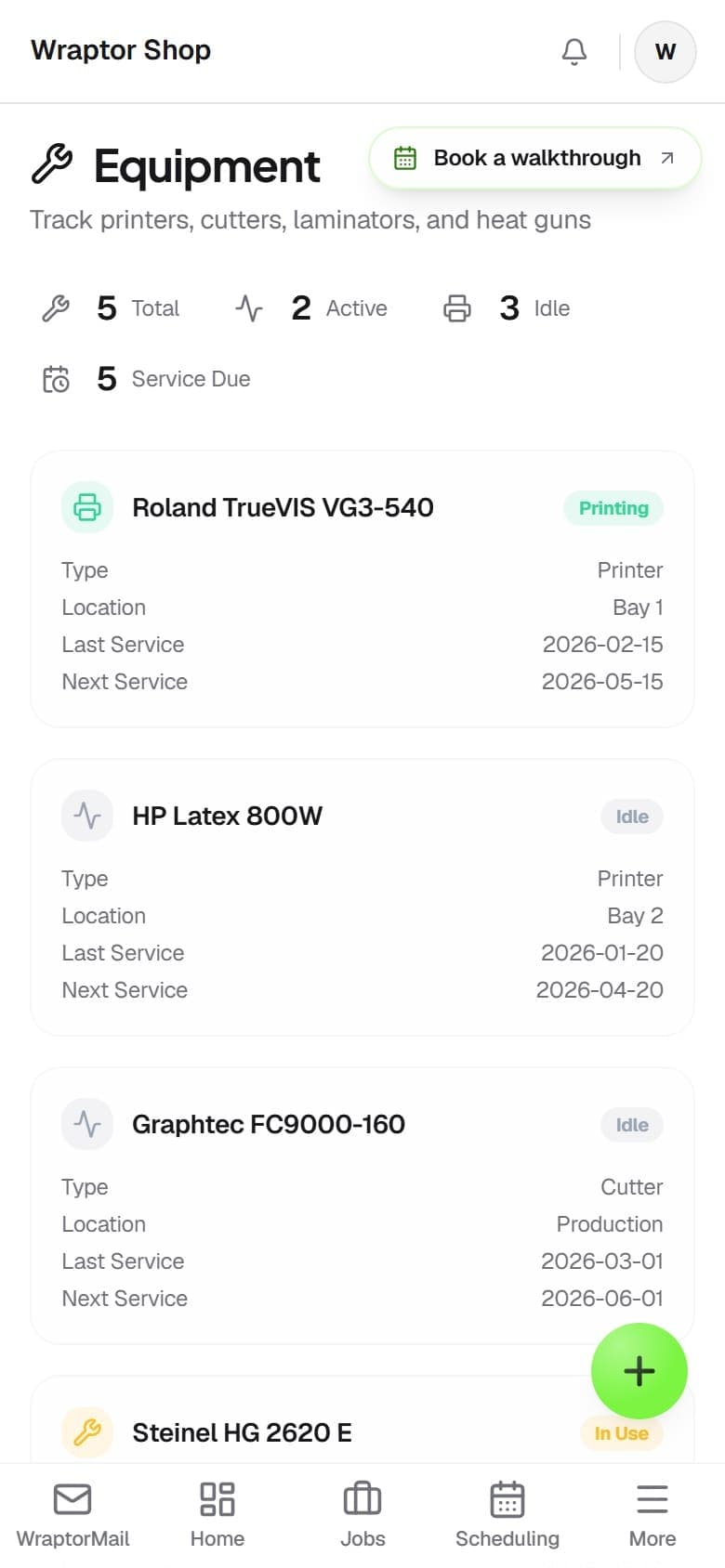
A register of every printer, plotter, laminator, and hand tool in your shop, plus recurring maintenance that schedules itself. Define a task once with an interval, mark it done, and Wraptor reschedules the next due date and logs it. Overdue maintenance surfaces in Daily Ops so nothing gets missed.

The problem
Skipped maintenance kills production
When preventive care lives in someone's head, print heads clog and jobs stall.
Without Wraptor
- No register of which machines and tools the shop owns
- Print-head cleaning and felt swaps remembered (or not)
- No record of when a machine was last serviced or by whom
- Maintenance tracked on a wall calendar nobody checks
- Downtime mid-job because a task slipped past its due date
With Wraptor
- One register of every machine and tool, with condition tracked
- Recurring maintenance with an interval and a next-due date
- Completing a task auto-reschedules the next due date and logs it
- Overdue maintenance flagged and surfaced in Daily Ops
- A running maintenance log of who did what, and when
How it works
From setup to done.
Register your machines
On the Machines tab, add each printer, plotter, and laminator with its name, model, and type. Printers set up for ink tracking show their channels and latest levels right inline.
Add your tools
On the Tools tab, list hand tools and shop equipment with a category, quantity, and condition rating, so you always know what you have and what shape it's in.
Schedule recurring maintenance
Create a schedule, attach it to a machine or tool, name the task like "Print head cleaning," and set the interval in days. Wraptor sets the first due date that many days out.
Mark it done and move on
When you complete a task, mark it done with optional notes and who performed it. Wraptor stamps the date, pushes the next-due date forward by the interval, and writes a log entry automatically.
Capabilities
Everything in the box.
Machine register
Track every printer, plotter, and laminator with its name, model, and type. Printers you set up for ink show their color channels and most recent ink level inline. Removing a machine hides it but keeps its history.
Tool inventory
List hand tools and shop equipment, each with a category, quantity, and condition rating. Add, edit, or remove tools as your kit changes — removed tools are hidden, not destroyed.
Recurring schedules
Attach a maintenance task to any machine or tool and set the interval in days. Wraptor sets the first due date automatically, so preventive care is defined once and runs on its own.
Auto-rescheduling
Mark a schedule complete and Wraptor stamps the last-completed date, pushes the next-due date forward by the interval, and adds a log entry — no editing dates by hand.
Maintenance log
A history of completed maintenance, most recent first, showing the task, the machine or tool, who performed it, and any notes. Full service history without the paper binder.
Overdue tracking
Any schedule whose next-due date has passed is flagged overdue — and it also appears in your Daily Ops, so the team sees it during the daily routine and clears it before it bites.
FAQ
Common questions.
What does the Equipment hub track in Wraptor?
The Equipment hub is a register with three tabs. Machines lists your printers, plotters, and laminators (printers set up for ink show their channels and levels). Tools lists hand tools and shop equipment with a category, quantity, and condition. Maintenance holds recurring tasks tied to a machine or tool, each with an interval and next-due date, plus a log of completed work.
How does recurring maintenance work?
You create a schedule, attach it to a machine or tool, name the task, and set an interval in days. Wraptor sets the first due date that many days out. When you mark the task complete, it stamps the last-completed date, automatically pushes the next-due date forward by the interval, and adds an entry to the maintenance log. You never edit dates by hand.
Does overdue maintenance show up anywhere else?
Yes. Any maintenance schedule whose next-due date has passed is flagged as overdue on the Maintenance tab, and it also surfaces in your Daily Ops routine so the team sees it during the daily open or close. Completing the task clears the flag and resets its schedule.
Who can access Equipment in Wraptor?
Equipment uses the same permission as Inventory rather than a separate one. By default the Manager and Production roles have Inventory access, so they can reach the Equipment hub; Designer and Installer don't by default. You can grant another role access by adding the Inventory permission in Settings. Equipment is easiest to reach from the mobile navigation.
Keep your machines running, not down
Equipment is part of the production toolset that comes with your shop — no separate purchase. Register your machines, set maintenance schedules, and stop chasing downtime.
Try Wraptor