Daily operations
Open, run, and close the shop without missing a step
A shared daily checklist split into Opening, Production, and Closing routines. Check tasks off as you go, watch the progress bars fill, and start fresh every morning. Tailor the list once so it matches exactly how your shop actually runs.

The problem
The little things get skipped on busy days
Without a shared routine, the alarm gets left off and the ink runs dry mid-print.
Without Wraptor
- No consistent open and close routine across shifts
- Forgetting to check ink or photograph vehicle condition
- Each person remembers a different version of the routine
- No visibility into what's been done today and what hasn't
- Closing steps like setting the alarm slip on busy nights
With Wraptor
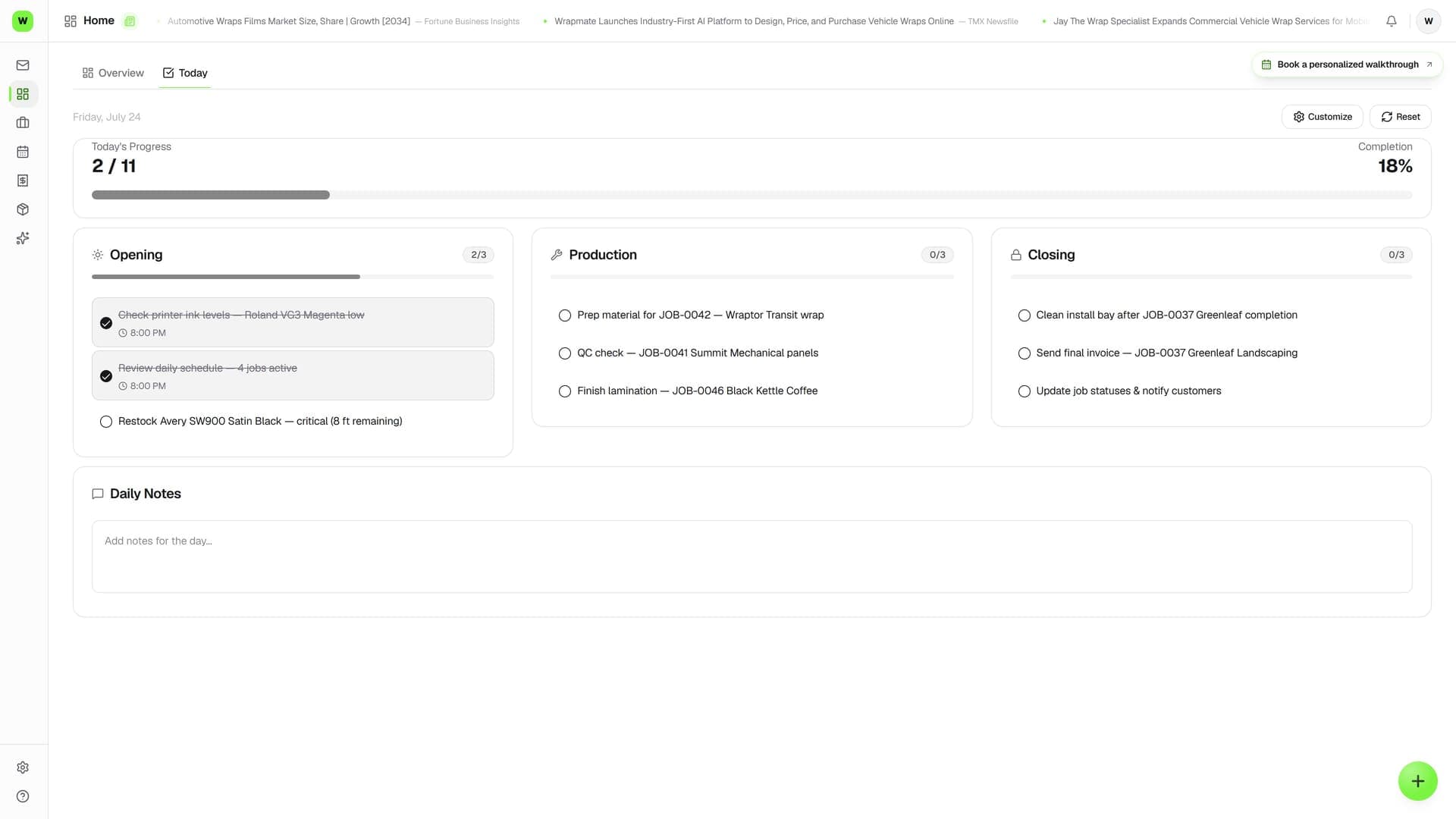
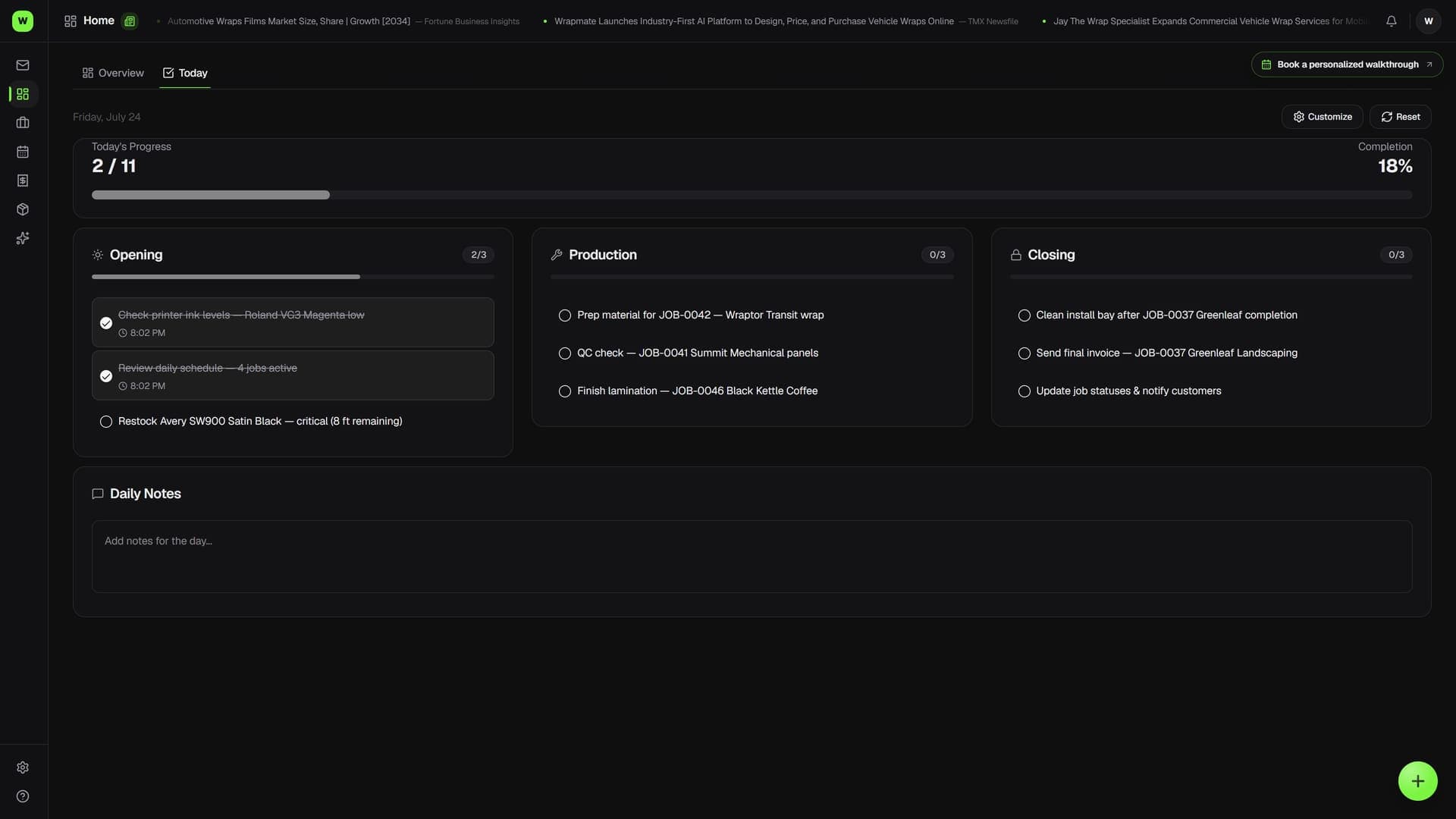
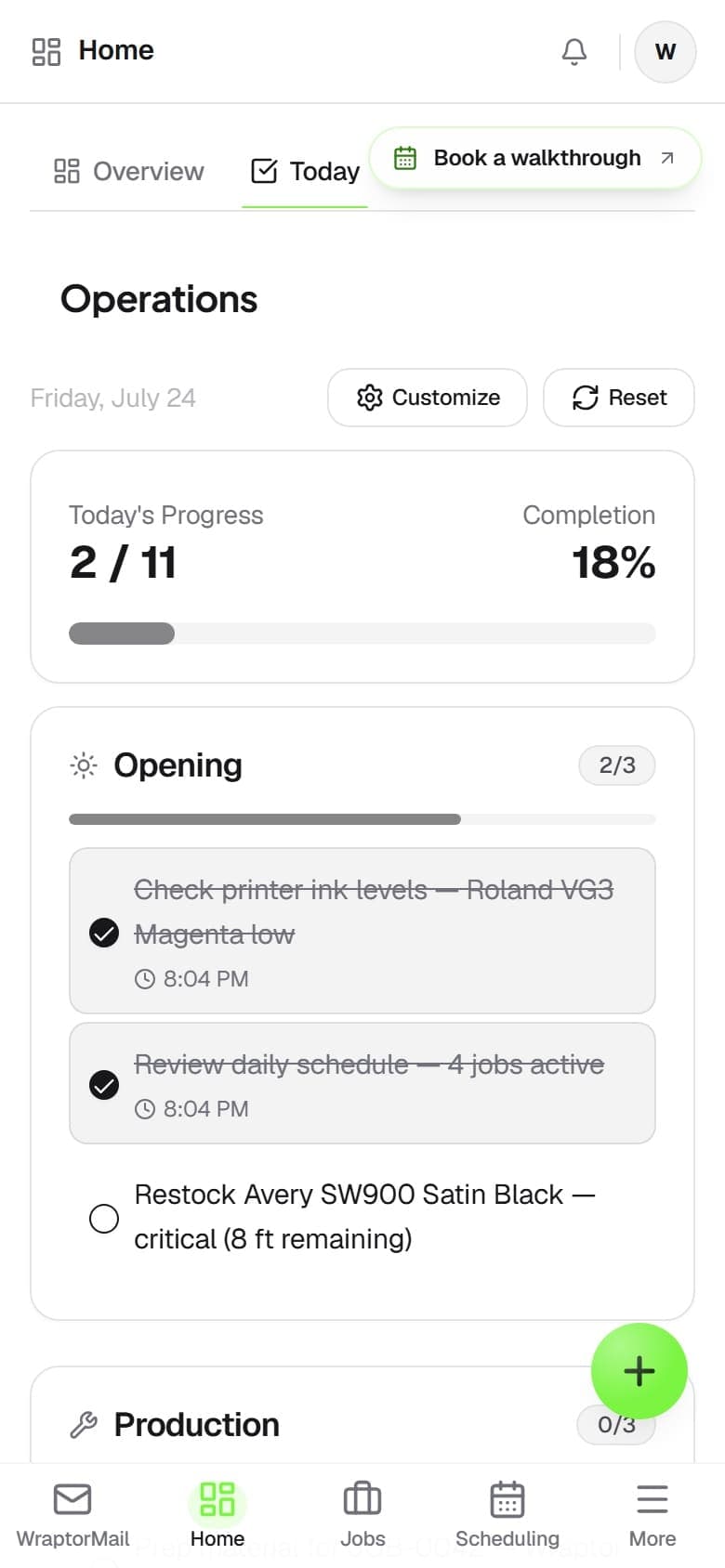
- Three grouped checklists — Opening, Production, Closing
- Tasks check off with the time recorded, undo if mis-tapped
- Per-section and overall progress bars toward 100%
- A starter list you customize to your shop's real workflow
- Resets automatically each day so every morning starts clean
How it works
From setup to done.
Open the shop
Work down the Opening list — unlock, lights, voicemail, review the schedule, check materials. The progress bar climbs as you tick each step.
Run the production day
Through the day, hit the Production checks: ink levels, vehicle arrivals, condition photos, status updates, and quality checks. The time is recorded as you go.
Close it down
At day's end, complete the Closing list — clean work areas, store materials, take out the trash, set the alarm, lock up. Nothing gets skipped.
Start fresh tomorrow
The checklist clears automatically each morning. Need to rerun it for a second shift? Hit Reset to clear today's checkmarks without touching your task list.
Capabilities
Everything in the box.
Opening, Production, Closing
One screen, three grouped checklists for each part of the day. See what to do when you arrive, the running checks during the workday, and how to wrap up at night.
Check off with timestamps
Tap a task to mark it done for today — the completion time is recorded. Tapped it by mistake? Tap again to undo. Each day's completions are tracked by date.
Progress at a glance
Each section shows its own progress, and the top of the page shows overall progress with a percentage bar that fills as the team checks things off.
Customizable routine
Switch into edit mode to add your own steps, rename ones that don't match your wording, remove what you don't use, and reorder within each group. Your changes become the standard going forward.
Daily reset
The list resets each day automatically, so every morning starts clean. Reset mid-day to clear today's checkmarks for a second shift without changing your tasks.
Shared across the floor
Daily Ops is a shared, everyone-on-the-floor tool. By default every role can use it, so any team member can run the routine and see what's already been done.
FAQ
Common questions.
What is Daily Ops in Wraptor?
Daily Ops is your shop's daily open/run/close checklist. It's a single screen split into three parts of the day — Opening, Production, and Closing — with progress bars that fill as you check tasks off. It isn't tied to any one job; it's the shop-level routine that keeps the floor running, and it resets fresh each day.
Can I customize the daily checklist?
Yes. Your shop starts with a ready-made list of common tasks, then you switch into edit mode to add your own steps, rename them, remove ones you don't use, and reorder them within Opening, Production, or Closing. Your changes become the standard list for every future day.
Does the checklist reset every day?
Yes. Daily Ops tracks completions by date, so each day stands on its own and every morning starts with a clear list. If you need to rerun the list mid-day — for a second shift, say — you can hit Reset to clear today's checkmarks without changing your task list.
How is Daily Ops different from a job checklist?
Daily Ops covers the whole shop's day — opening, production, and closing routines for the floor. For step-by-step checklists tied to a specific job and its stage, like preflight, install, and completion, you use the checklist on the job itself rather than Daily Ops.
Run the shop the same way every day
Daily Ops is part of the standard Wraptor toolset — no separate purchase. Tailor your open and close routine once and never skip a step again.
Try Wraptor