WrapStudio Design

The design app built for wrap production

A full vector design studio that lives inside your shop software — pen tool to print-ready PDF with real CutContour separations, panelized for your roll width, priced against your inventory, and proofed to your customer. Describe a design and AI composes it as editable layers, not a flat image.

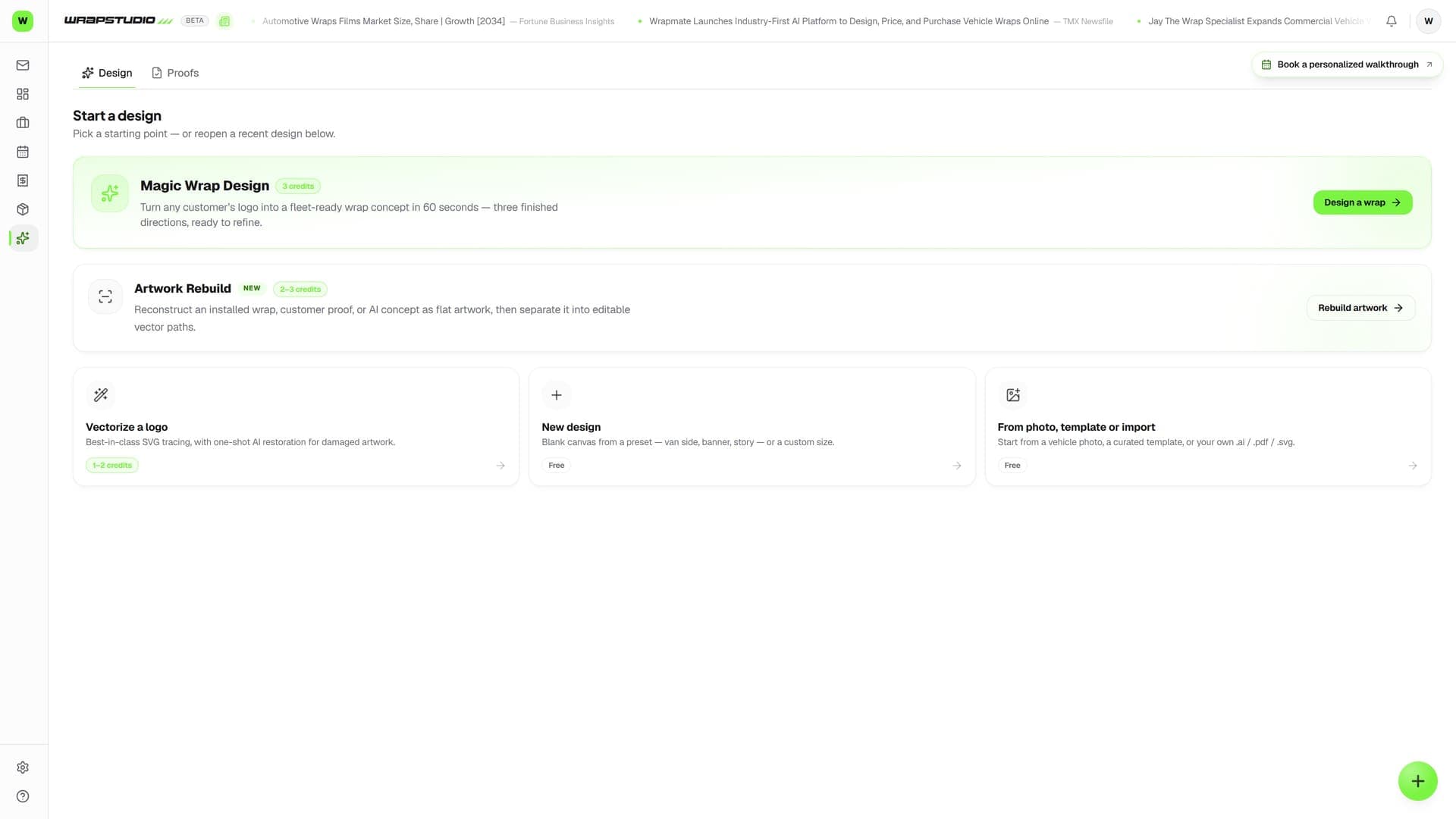
WrapStudio design editor showing a van-side wrap design with panels and cut lines

The problem

Illustrator doesn't know it's designing a wrap

Generic design tools don't know your roll width, your material cost, your printer's cut workflow, or your customer's approval. So every design round-trips through five tools.

Without Wraptor

  • A separate Illustrator seat and a template subscription per designer
  • Exports that break in the RIP — wrong cut layers, missing bleed, raster mush
  • Panelizing by hand and hoping the overlaps line up on the vehicle
  • No idea what the design costs in material until after it's sold
  • AI design tools that output flat images you can't edit or cut

With Wraptor

  • Real vector tools — pen, pathfinder, warps, compound paths — in the browser
  • Print PDFs with true CutContour spot separations your RIP auto-detects
  • One-click panelization to your media width with lap lines installers cover
  • AI that generates editable layered designs, traces logos, and builds mockups
  • Design to quote line to proof approval without leaving the job

See it in action

Real screens, not mockups.

These are live captures of the exact screens your crew will run — flip through every view.

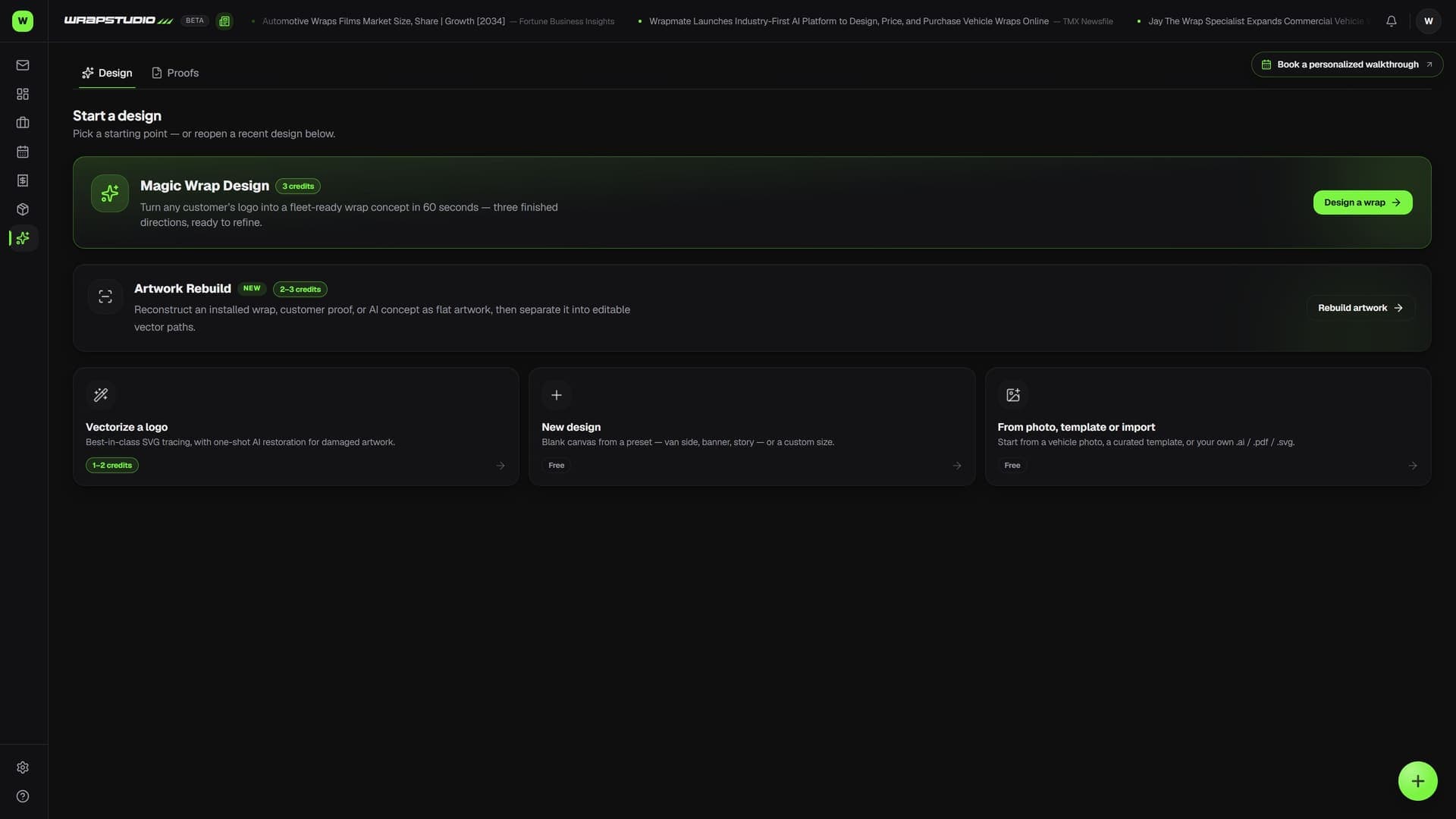
WrapStudio design editor showing a van-side wrap design with panels and cut lines (light mode)

How it works

From setup to done.

Step 01

Start from anything

A blank vehicle-side artboard, an imported .ai/.pdf/.svg template, or just a straight-on photo of the customer's truck — calibrate the wheelbase and design at true scale.

Step 02

Design with real tools

Pen, nodes, booleans and the full pathfinder, text warps, gradients, 3M and Avery film swatches, curated fonts. Or type a brief and the AI composer lays out shapes and text as editable layers.

Step 03

Make it production-ready

Mark cut contours, auto-panelize to your roll, run preflight, and export the production pack — print PDF, per-panel cut files, and a preview in one ZIP.

Step 04

Close the loop

Push the design onto the job: proof link the customer signs off on, a material line on the quote priced by the square foot, and inventory deducted when it prints.

Capabilities

Everything in the box.

Illustrator-class vector editing

Pen and pencil tools, node editing, boolean pathfinder with divide and crop, compound paths, clipping and opacity masks, gradients with on-canvas editing, and truck-lettering text warps — arc, wave, flag, rise.

Print files your RIP trusts

Vector print PDFs with true CutContour spot separations, named spot colors, vector gradients, per-side bleed, and panel pages at panel-local resolution. Cut files export as SVG and EPS with the CutContour custom color.

Panelization with lap lines

Auto-split any design to your media width with draggable seams, overlap bands, a labeled install map, and dashed lap lines printed exactly where the next panel's edge lands.

AI that outputs editable layers

Describe the design and get real shapes, gradients, and text layers — not a flat image. Plus trace-to-vector, whole-design recolor, seamless pattern generation, background removal, and photorealistic vehicle mockups.

Wired into the money

Coverage becomes a quote line at your price per square foot. Material deducts from inventory rolls. The proof goes out with a tap-to-approve link. Fleet series exports one page per unit number.

FAQ

Common questions.

Do I still need Illustrator or a template subscription?

For most wrap work, no. WrapStudio imports your existing .ai, .pdf, and .svg templates, and the photo-to-template flow builds a scaled reference from a straight-on photo — calibrate one known measurement and design at true scale.

Will the print files work with my RIP?

Print PDFs use flat xref (no object streams) for older RIP compatibility, and cut lines ride a real CutContour spot separation that VersaWorks and Flexi auto-detect. Named spot colors like PerfCut come through as separations too.

What does the AI cost?

AI generations use credits from your plan. Vector editing, panelization, print and cut exports are unlimited — no per-export fees.

Design it, panel it, cut it, get it approved

One tool from concept to production pack — inside the same platform that runs the job.

14-day free trial · No credit card · Cancel anytime