Email & team chat
Customer email history and team chat in one place
Review every email your shop has sent and received, read threaded customer conversations, and compose new messages — all linked to the right customer and job. An internal team chat with channels and DMs keeps your crew in sync without leaving Wraptor.

The problem
Customer history buried in personal inboxes
When email lives on one person's phone, the rest of the team is flying blind.
Without Wraptor
- No shared record of what was emailed to a customer
- Digging through personal inboxes to find a quote you sent
- Conversations not tied to the job they belong to
- Team coordination scattered across personal group texts
- No way to confirm a proof or invoice email actually went out
With Wraptor
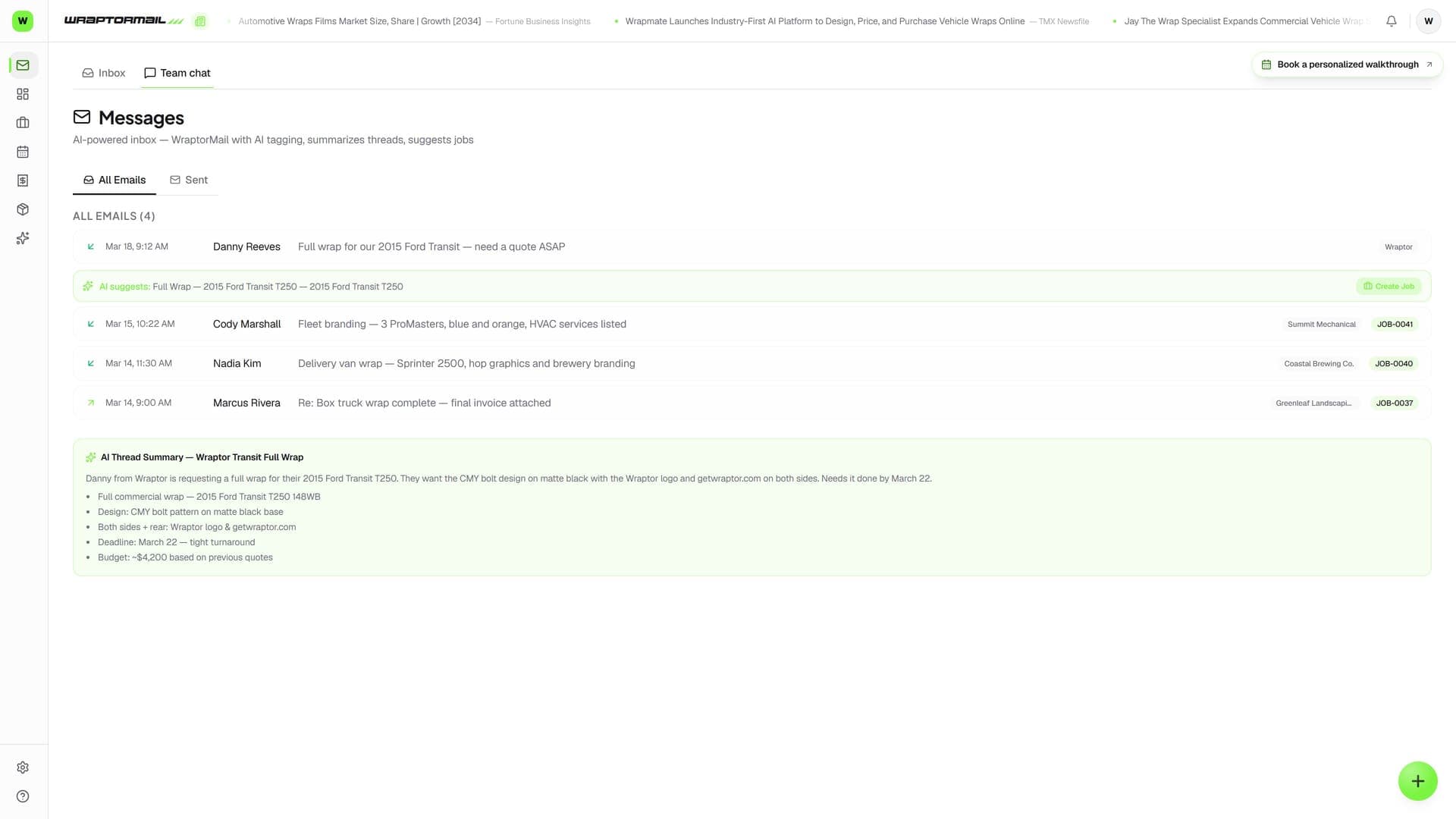
- Combined feed of every inbound and outbound shop email
- Threaded customer conversations grouped and resolvable
- Emails linked to the right customer and job automatically
- Compose new mail with the Smart Composer, pre-linked
- Internal team chat with channels and direct messages
How it works
From setup to done.
See every email
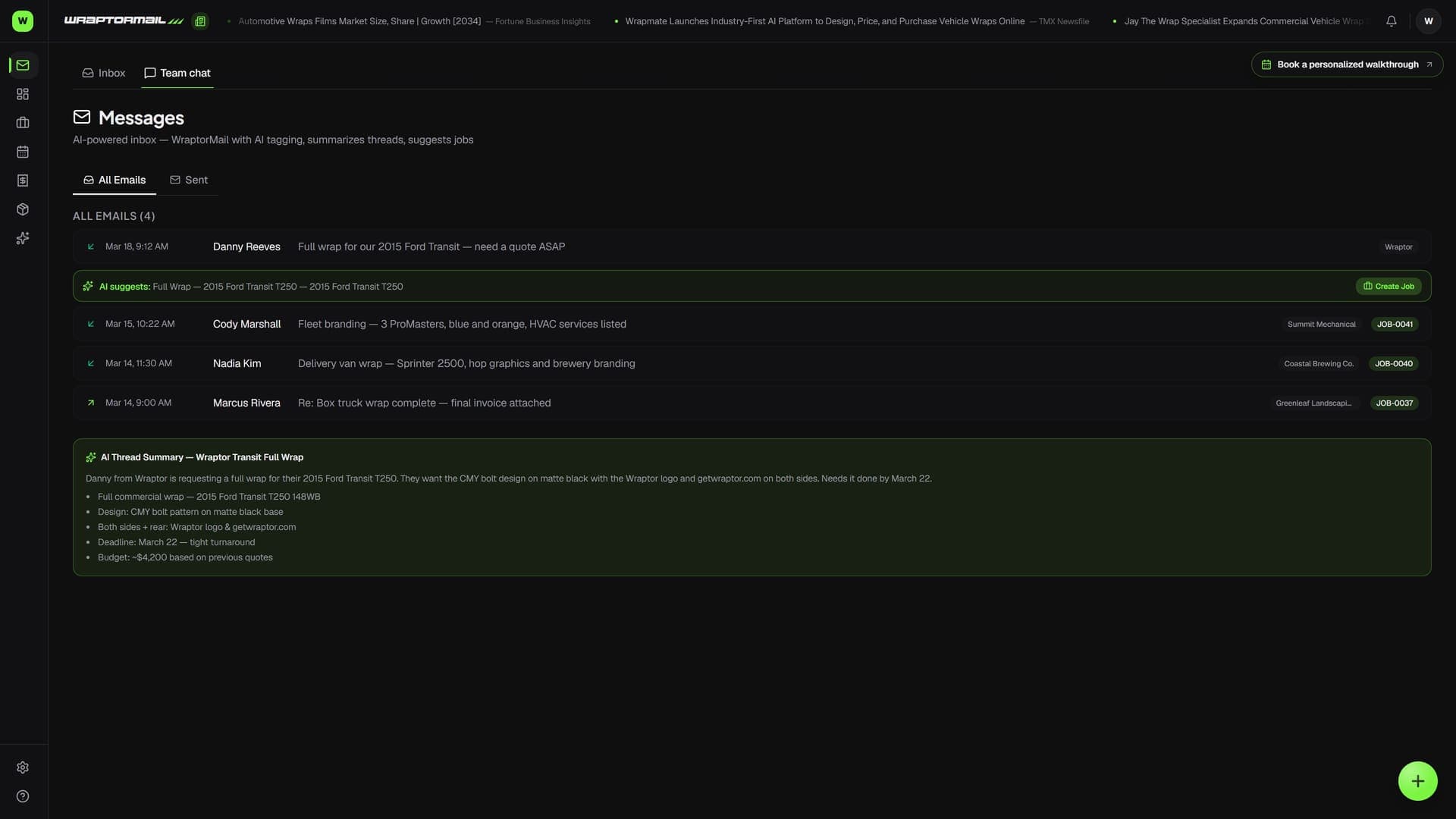
The All Emails tab shows a chronological feed of every inbound and outbound message, each badged with the linked customer and job number.
Open a thread
The Email Threads tab groups conversations by thread. Pick one to read the full back-and-forth, then mark it Resolved when it's handled.
Compose and link
Use the Smart Composer to write a new email, attach it to a customer and job, and choose the type. Reply from the Sent tab and the recipient pre-fills.
Coordinate the crew
Open Team Chat from the Wraptor AI button. Use the general channel, spin up topic channels, or DM a teammate — all internal, never seen by customers.
Capabilities
Everything in the box.
All-emails feed
A combined, chronological list of every email tied to your shop — inbound and outbound. Direction arrows, timestamps, sender, subject, and customer and job badges on each row.
Threaded conversations
The Email Threads tab groups customer email into threads. Read received and sent messages in order, see the linked job, and mark a thread Resolved or reopen it.
Smart Composer
Compose outbound email in a full-screen composer that links to a customer and job, picks the email type, and formats the body. Reply from the Sent tab and the To and subject pre-fill.
Auto-linked to jobs
Open a compose link from a job or customer and the message arrives pre-attached to the right records, so every email stays connected to the job it belongs to.
Team channels
Internal channels for your crew, with an automatic "general" channel that includes everyone. Spin up topic channels — names lowercase and hyphenate automatically — for design reviews or the install crew.
Direct messages
One-on-one chats with any teammate. Starting a DM with someone you've messaged before reopens that conversation instead of creating a duplicate. Enter to send, Shift-Enter for a line break.
FAQ
Common questions.
What is the Messages page in Wraptor?
The Messages page is a dashboard for customer email with four tabs: a combined All Emails feed, a Sent list, a two-column Email Threads view, and a full-screen Compose area. It draws from the same email data as the WraptorMail Inbox — a different view of the same records, not a separate mailbox.
Does Wraptor have internal team chat?
Yes. Team Chat is a slide-over panel opened from the Wraptor AI button on any page. It has shared topic channels and one-on-one direct messages for your staff. Every shop gets an automatic "general" channel, and team chat is entirely internal — customers never see it.
Are emails linked to jobs and customers?
Yes. Emails on the All Emails feed show a customer badge and a job-number badge when linked. When you open a compose link from a job or customer record, the new email is pre-attached to those records, keeping your email history connected to the right job.
How is Messages different from the WraptorMail Inbox?
The Inbox is the primary surface for reading and replying to incoming customer email. The Messages page is a companion view of the same conversations — outbound history, a combined feed, threaded view, and a compose area. Resolving a thread in one place is reflected in the other.
Put every conversation in one place
Messages and Team Chat are included with every Wraptor plan. Connect Gmail, review your shop's full email history, and keep your crew in sync.
Try Wraptor